
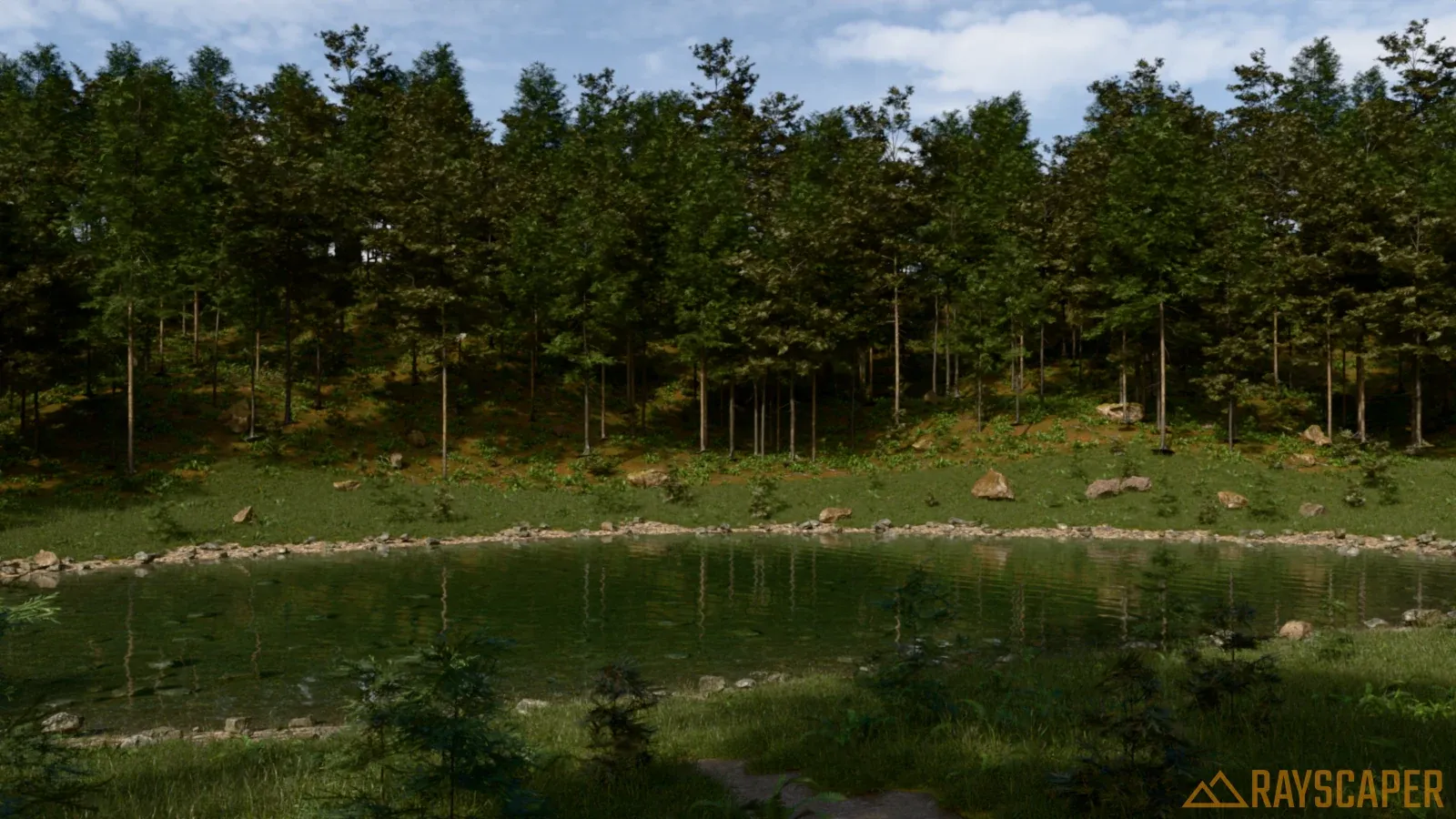
Photoreal renders without Lumion's price tag.
Lumion is a presentation studio: you send your SketchUp model across, dress it with trees, people and weather, and render it there. It costs $1,149 a year, runs on Windows only and wants a powerful graphics card. Rayscaper renders inside SketchUp itself, on Windows and Mac, on the computer you already have, for $99 once.
On a Mac? Get Rayscaper for Mac, for Apple silicon.
At a glance
| Feature | Rayscaper | Lumion |
|---|---|---|
| Price | $99 once, a year of updates included | $1,149 a year for Pro |
| Runs | Inside SketchUp, live | Separate app, linked with LiveSync |
| Rendering | Path tracing: the light is simulated | Real time |
| Hardware | Any Windows PC (NVIDIA GPU optional) or Apple silicon Mac | Powerful GPU required |
| Platforms | Windows, macOS (Apple silicon) | Windows |
| Assets | 1,000+ Poly Haven materials and HDRIs, and a scatter for your own plants | 10,000+ models and effects |
What it costs you
- Lumion
- Rayscaper
Lumion Pro is $1,149 a year on the Lumion website in October 2026. Prices are in US dollars without taxes and may differ in your region. Rayscaper is $99 once with a year of updates included; the totals don't count later upgrades. Not happy with it? Get your money back within 14 days.
Why SketchUp users switch from Lumion
Less than a tenth of the price
Lumion Pro costs $1,149 every year, $5,745 over five years. A Rayscaper license costs $99, once.
Stay in SketchUp
No second application and no second scene to keep in sync: Rayscaper renders the model you're working on, with its materials, sun, tags and scenes.
Gardens and landscapes too
Scatter grass, plants and rocks over your terrain with Rayscaper's scatter, or render your Skatter objects. Skies, the sun and 1,000+ HDRIs are built in.
On your Mac too
Lumion runs on Windows only. Rayscaper also runs on Macs with Apple silicon.
Made by Rayscaper users
-
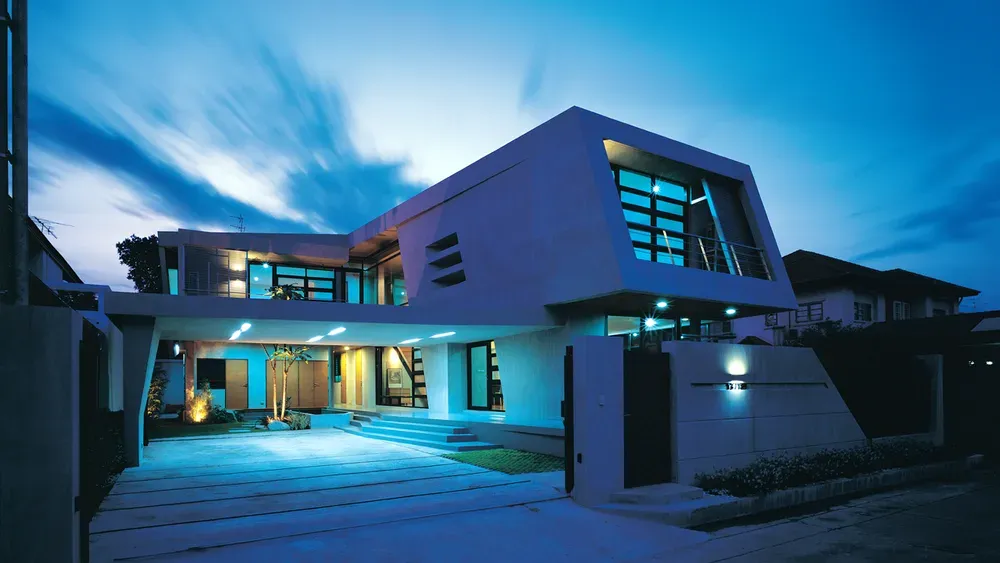
Exterior Scene · Majid Yeganegi -
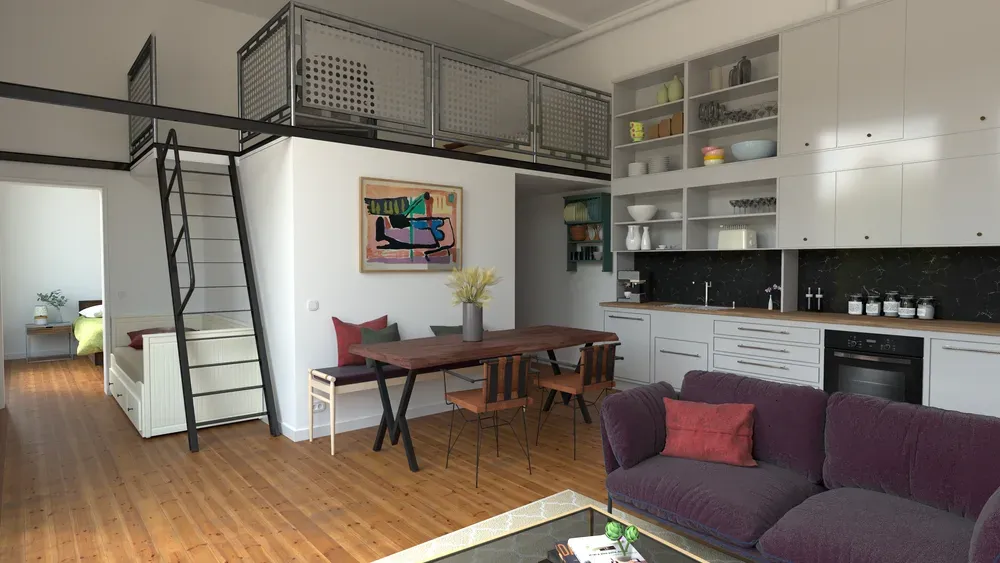
Loft Cuisine · Julien Fischel -
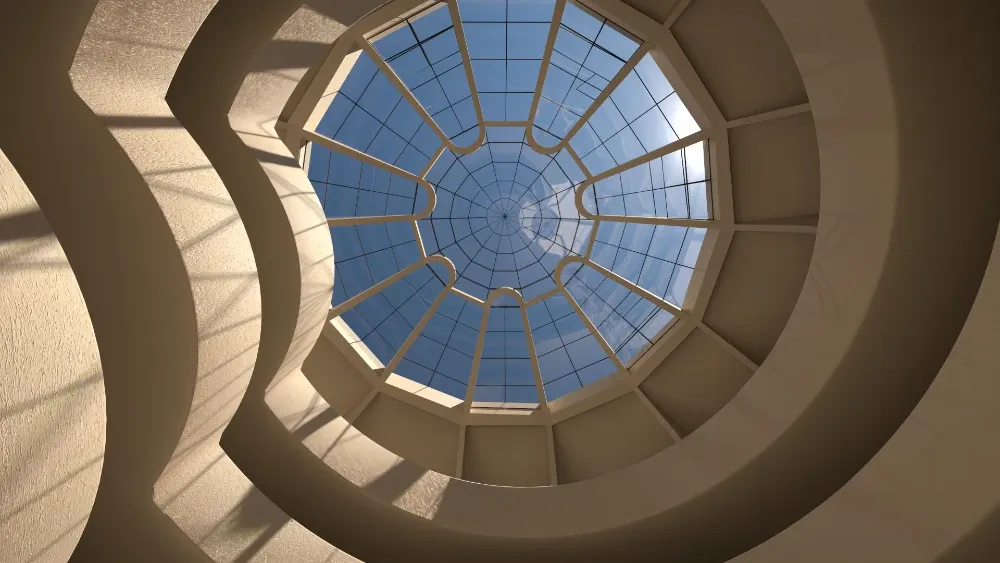
Guggenheim Museum · Rich O'Brien
When Lumion is the better choice
Lumion is good at what it was built for. Stay with it if:
- You make videos and walkthroughs of large sites, where real-time rendering is fast.
- You dress scenes with Lumion's animated people, weather, seasons and effects.
- You rely on a library of over 10,000 models and materials.
If that isn't you, you're paying for more than you use. Try Rayscaper on your next project and compare.
Switching from Lumion
-
Render in SketchUp
Install Rayscaper, open your model and click Start Render. There's no export and no LiveSync to set up.
-
Dress the scene in SketchUp
Use SketchUp components for furniture and people, and Rayscaper's scatter for grass, plants and rocks.
-
Set the light
The sun comes from SketchUp; pick a sky or an HDRI for the mood, and place Rayscaper's lights for the evening.
See it on your own model
The free version has no time limit: open the project you're working on and watch it render. If you like what you see, a license is $99, once, and you can get your money back within 14 days.
Frequently asked questions
Is Rayscaper cheaper than Lumion?
Yes. A Rayscaper license costs $99 once, with a year of updates, and keeps working after that. Lumion Pro costs $1,149 a year.
Can Rayscaper render landscapes?
Yes. Its scatter covers terrain with grass, plants and rocks from your own components, it renders Skatter objects, and it has physical skies and 1,000+ HDRIs. Lumion has the bigger library of ready-made plants.
Can Rayscaper make videos?
Rayscaper renders animations between your SketchUp scenes, with a moving sun, frame by frame. It has no real-time walkthrough mode like Lumion.
Does Rayscaper run on a Mac?
Yes: on Macs with Apple silicon (M1 or newer), macOS 14 or later and SketchUp 2025 or 2026. Lumion runs on Windows only.