
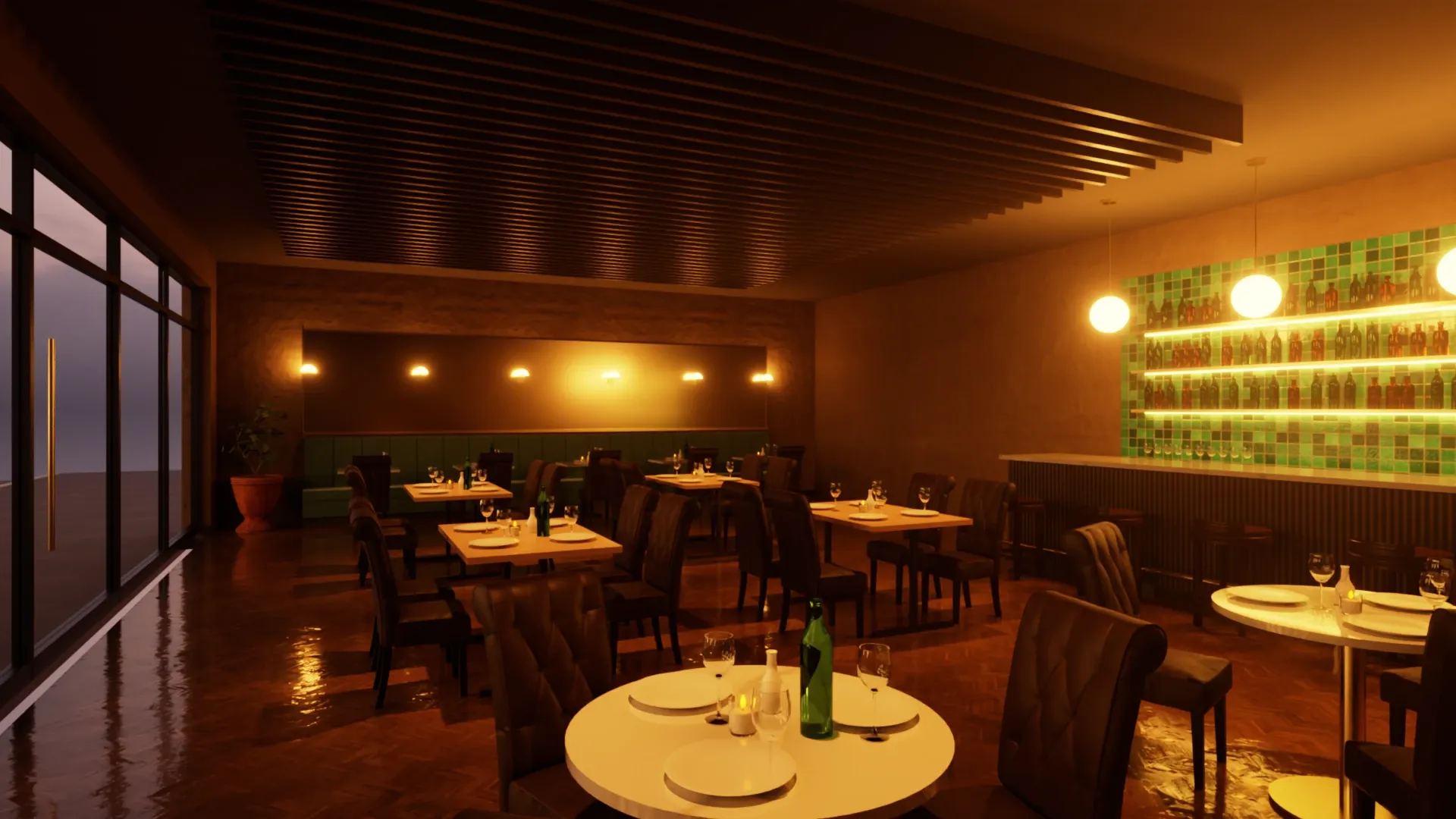
SketchUp Studio costs about $460 a year more than SketchUp Pro, and for most Studio users, V-Ray is what that buys. Rayscaper renders photorealistic images inside SketchUp Pro, live while you model, for $99 once.
If rendering is the main reason you pay for Studio, this page is for you. It shows what you save, what changes in your day, and when you're better off staying with Studio.
The math
What SketchUp with rendering costs one person over the years, in US dollars, if SketchUp's prices stay the same:
- SketchUp Studio
- SketchUp Pro + Rayscaper
| After | SketchUp Studio | SketchUp Pro + Rayscaper | You keep |
|---|---|---|---|
| 1 year | $859 | $498 | $361 |
| 3 years | $2,577 | $1,296 | $1,281 |
| 5 years | $4,295 | $2,094 | $2,201 |
SketchUp prices are from Trimble's plans and pricing page in October 2026: Studio costs $71.58 and Pro $33.25 per month, billed annually, in US dollars and without taxes. Rayscaper is $99 once, with a year of updates included; the totals don't count later upgrades. Prices may differ in your region.
For a studio of five, that's over $11,000 in five years: a new workstation, or two.
Need Scan Essentials or the Revit Importer? SketchUp Pro Advanced Workflows includes both, without V-Ray, for $49.92 per month billed annually: still $260 a year less than Studio.
Less to set up, more time to design
V-Ray gives you extensive control over every part of a render, and visualization specialists love it for that. If you mostly need images for design reviews and clients, without a second job learning render settings, Rayscaper gives you a focused workflow inside SketchUp.
Interactive rendering while you work, and production rendering with its own settings for the final image.
One render that updates as you work and refines while you look. Save it when it's clean enough.
Extensive material, render and image controls, with quality presets.
A short list of settings, with finishes and quality presets to start from. Fine-tune from there.
Materials are built from layers: diffuse, reflection, refraction, coat, sheen, ...
Pick Standard, Glass, Metal or Water, then a finish like Satin or Lacquered, or a metal like Brass. The advanced controls are there when you need them.
Renders on the CPU or the GPU, each with its own engine to pick.
Renders on your NVIDIA GPU when it finds one, with hardware ray tracing on RTX cards, and on the CPU otherwise. Switch between them in the settings whenever you like.
Like V-Ray, Rayscaper is a path tracer: it simulates how light bounces through your scene, for soft shadows, accurate reflections and light that spills naturally through a room.
-
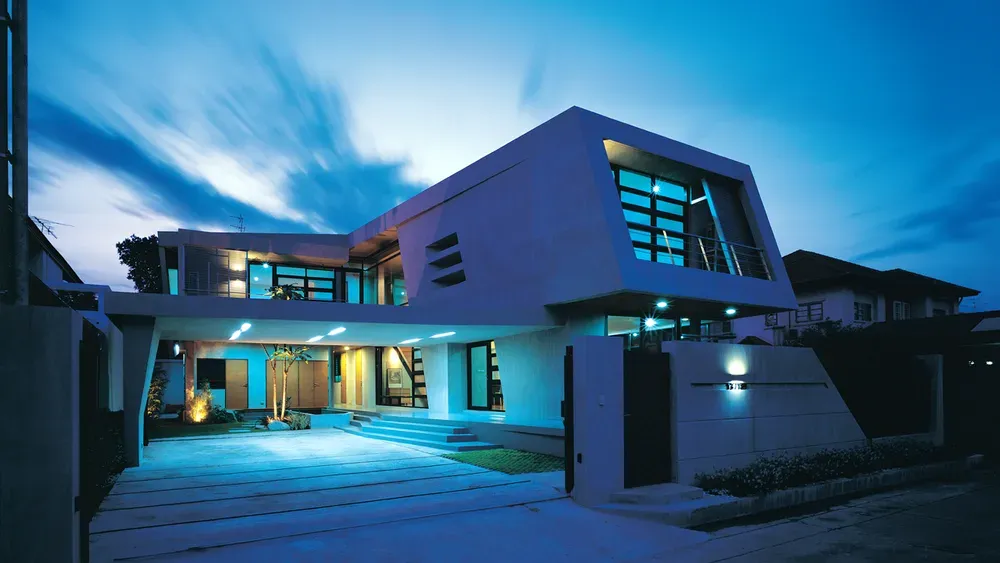
Exterior Scene · Majid Yeganegi -
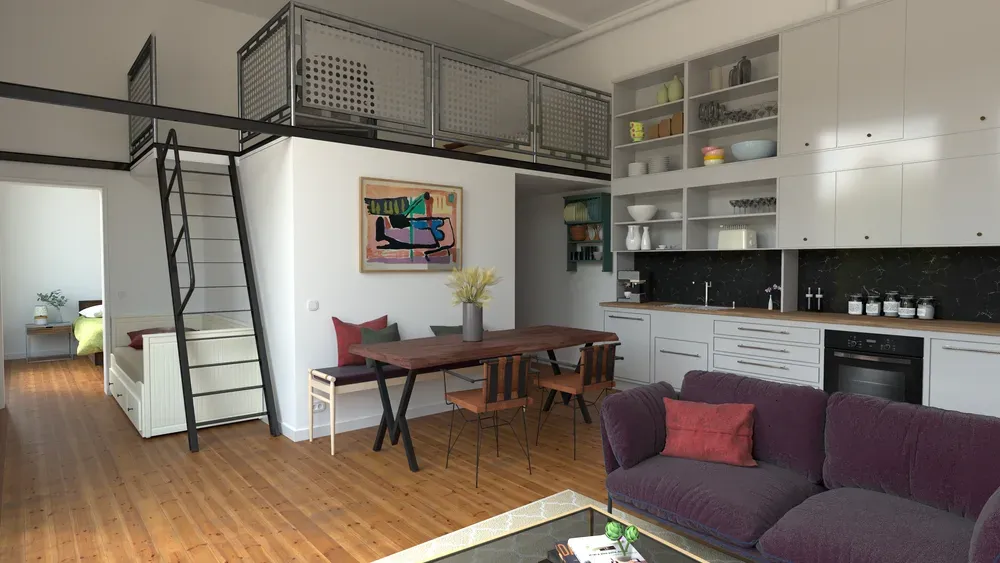
Loft Cuisine · Julien Fischel -
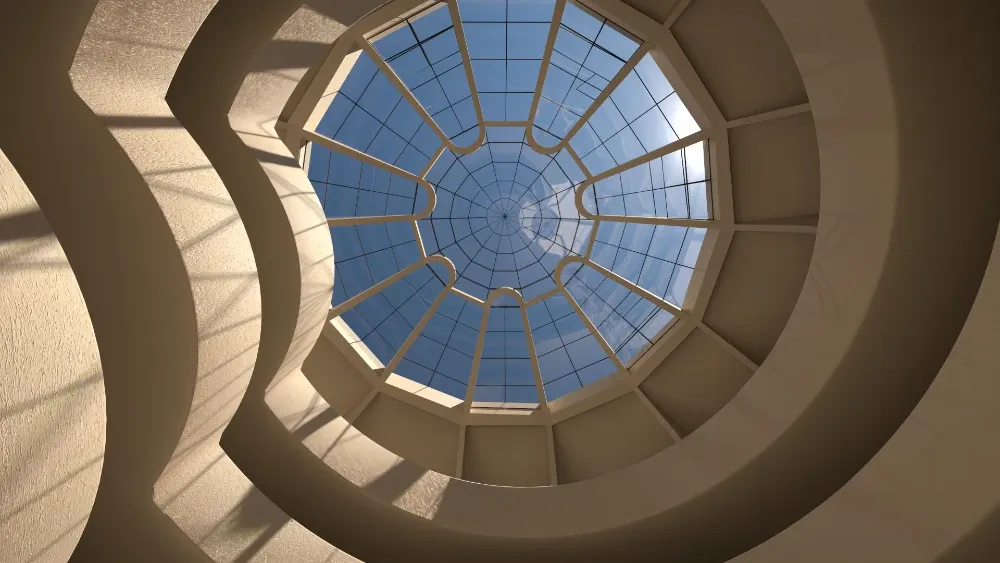
Guggenheim Museum · Rich O'Brien -
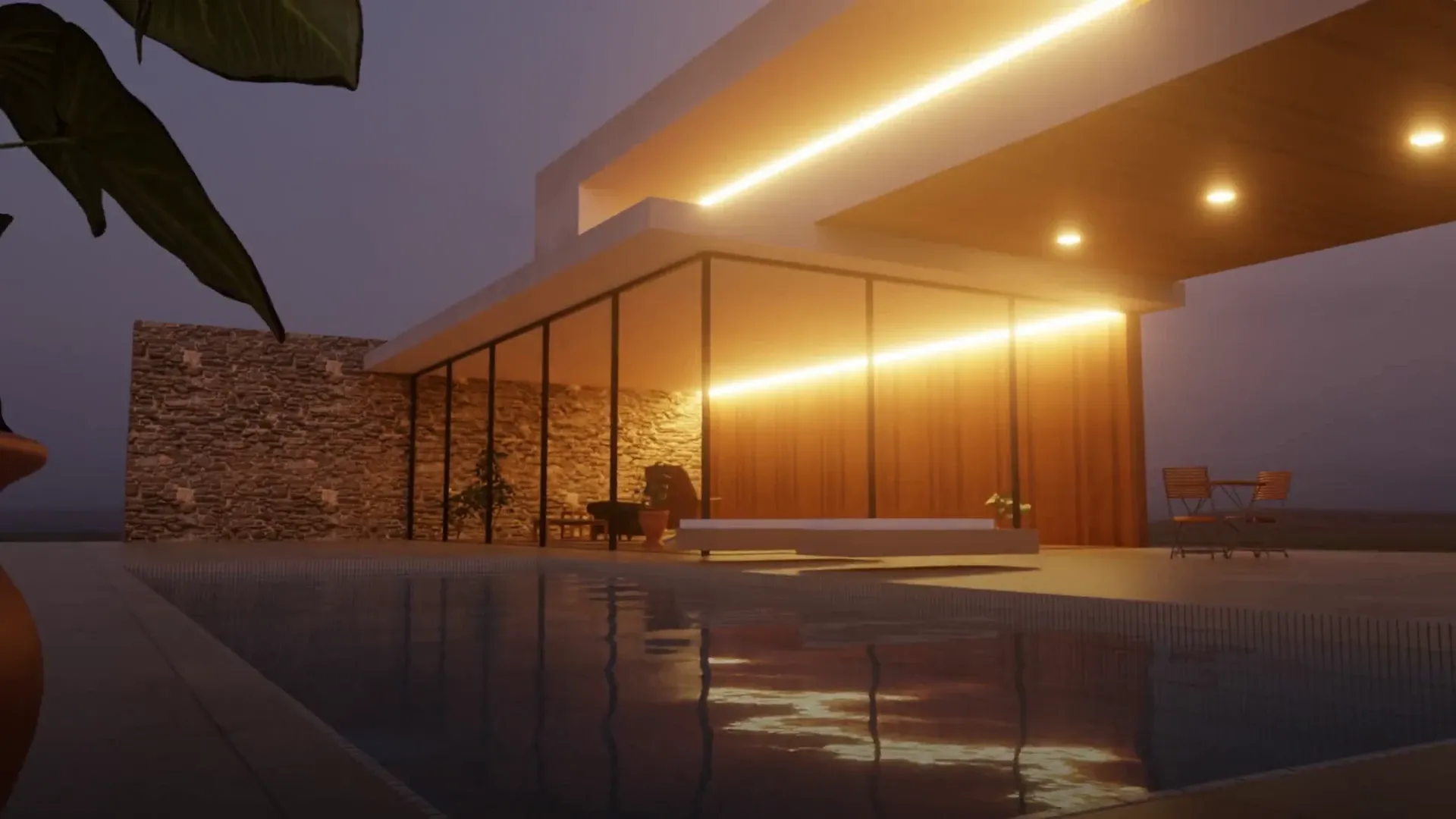
Villa at Dusk · Rayscaper example scene -
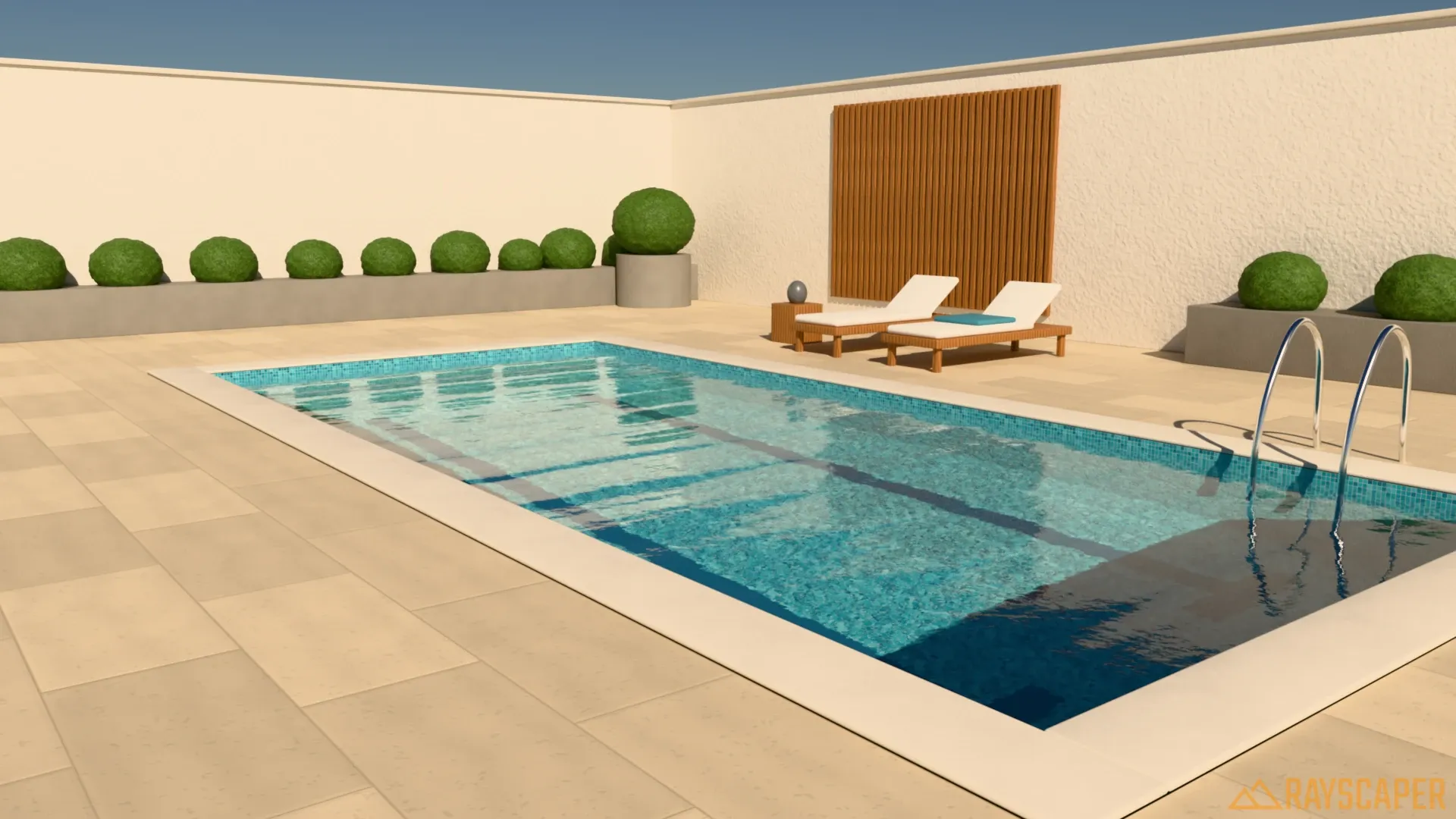
Pool Terrace · Rayscaper example scene -
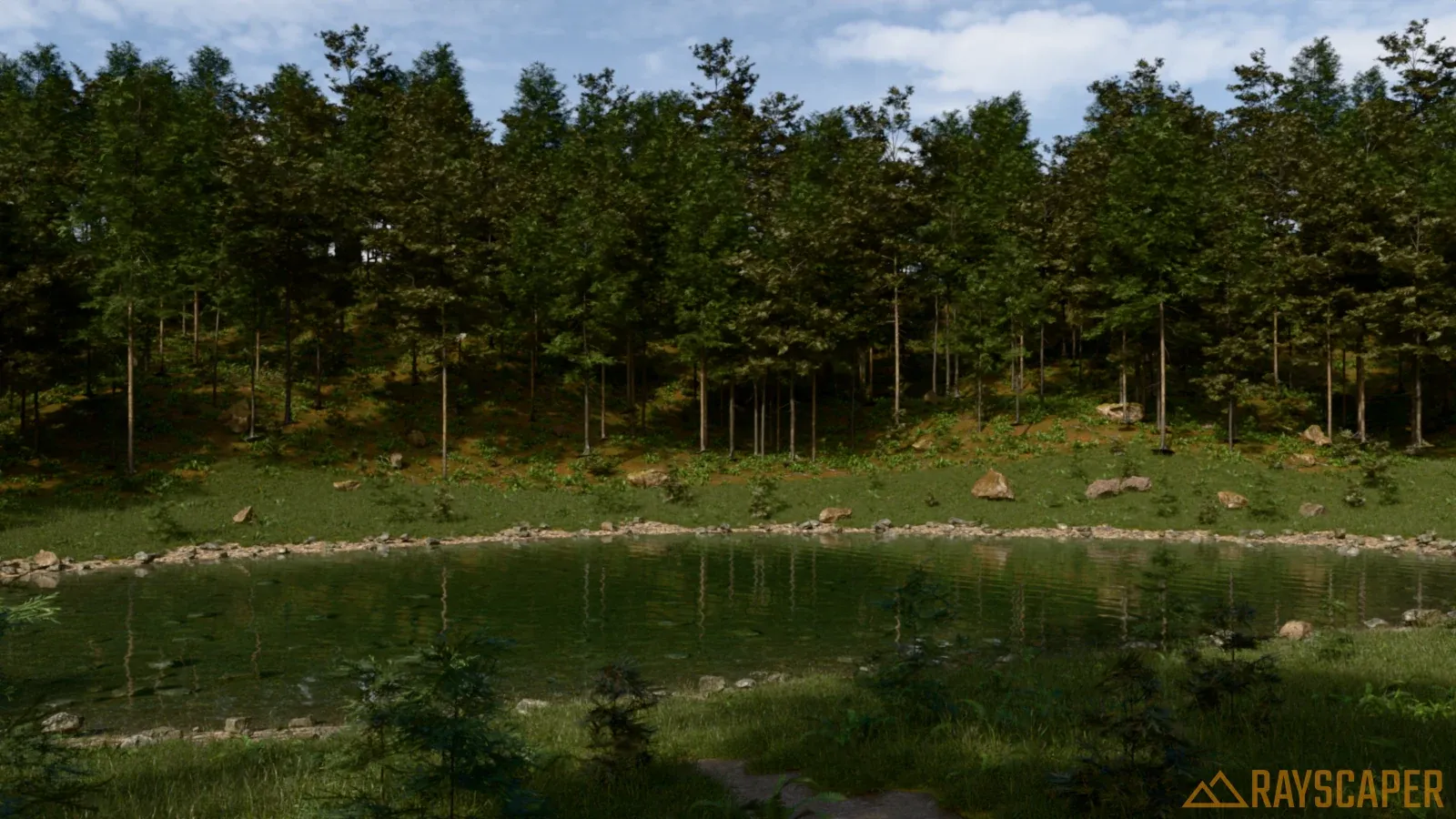
Forest Pond · Rayscaper example scene
The rendering tools you use every day
Rayscaper covers the rendering tasks SketchUp users reach for most. The links show what each one can do:
- Interactive rendering
- The render updates the moment you move a wall, paint a face or orbit.
- Glass, metal and water
- Standard, Glass, Metal and Water materials, with finishes, presets and advanced controls.
- A material library
- 1,000+ Poly Haven materials and HDRIs and Rayscaper's own material packs, built in and free.
- IES and area lights
- Point, spot, area and directional lights placed in SketchUp, with IES profiles and color temperature.
- Sun, sky and HDRI
- SketchUp's sun is synced live; add a physical sky or an HDRI in one click.
- Denoiser and frame buffer
- AI denoising, exposure, tone mapping, bloom, glare and lens effects on the live render.
- Batch rendering and render elements
- Render every SketchUp scene in one go, with Material ID, Object ID, albedo and AO passes.
- Scatter
- A built-in scatter for grass, plants and rocks, and Skatter objects are rendered too.
- Animation and panoramas
- Animate between SketchUp scenes with a moving sun, and render 360° panoramas.
- Depth of field and lens
- Focal length, depth of field, orthographic and spherical cameras.
When to keep Studio
We'd rather you stay a happy Studio user than become an unhappy Rayscaper one. Keep Studio if:
- You render on a farm or in Chaos Cloud, or your studio shares V-Ray material libraries and render presets across a team.
- You rely on the Chaos Cosmos library of furniture, people and plants.
- You need V-Ray's fine control for high-end production work, or your clients ask for V-Ray files.
Rayscaper's asset library is smaller than Cosmos, and it has no VR or walkthrough mode. If none of the above is essential to your work, try Pro + Rayscaper on a real project before your next renewal.
Try it before your next renewal
-
Install Rayscaper next to V-Ray
Both are SketchUp extensions, so they live side by side. Your Studio subscription keeps running while you try it.
-
Render the project you're working on
The free version has no time limit. Its renders are watermarked, at most 1280 pixels on the longest edge and for non-commercial use: enough to judge the workflow, the light and the materials on your own model before you buy.
-
Set up the materials that matter
Colors and textures come from your SketchUp materials; the V-Ray settings on top of them don't. Start by making the windows Glass and the fixtures Metal, then check the other surfaces.
-
Switch at your next renewal
If it meets your needs, buy a Rayscaper license and move to SketchUp Pro when your Studio subscription renews. If Rayscaper isn't right for you, email us within 14 days of your purchase for a full refund.
Render your own model tonight
Download Rayscaper free, open the project you're working on, and click Start Render. If the image convinces you, a license is $99, once.
Frequently asked questions
Do my V-Ray materials carry over?
Their colors and textures do: Rayscaper reads the SketchUp materials in your model, and converts SketchUp's own PBR materials (SketchUp 2025 and newer). The V-Ray settings on top of them, like reflection and refraction, don't: give the materials that need it a type such as Glass or Metal. V-Ray lights and proxies don't carry over either.
Can I run Rayscaper and V-Ray in the same SketchUp?
Yes. They are separate extensions, so you can compare them on the same model before you decide.
Does Rayscaper work with SketchUp Pro?
Yes. Rayscaper is an extension for SketchUp 2024, 2025 and 2026 on Windows, and runs in SketchUp Pro just like in Studio. Rayscaper's Mac version runs on Apple silicon Macs.
Do I need a new graphics card?
No. Rayscaper renders on a compatible NVIDIA GPU when it finds one, with hardware ray tracing on RTX cards, and on the CPU otherwise. You choose which in the settings. Check the system requirements, and try your own model to see the speed.
What happens after the first year?
A Rayscaper license is perpetual: it includes a year of updates and keeps working after that. There is no subscription to cancel.
Can I use the renders commercially?
With a license, yes, at any resolution. The free version is for non-commercial use.
Comparing more renderers? See how Rayscaper compares with V-Ray, Enscape, Twinmotion, D5 Render and more.