
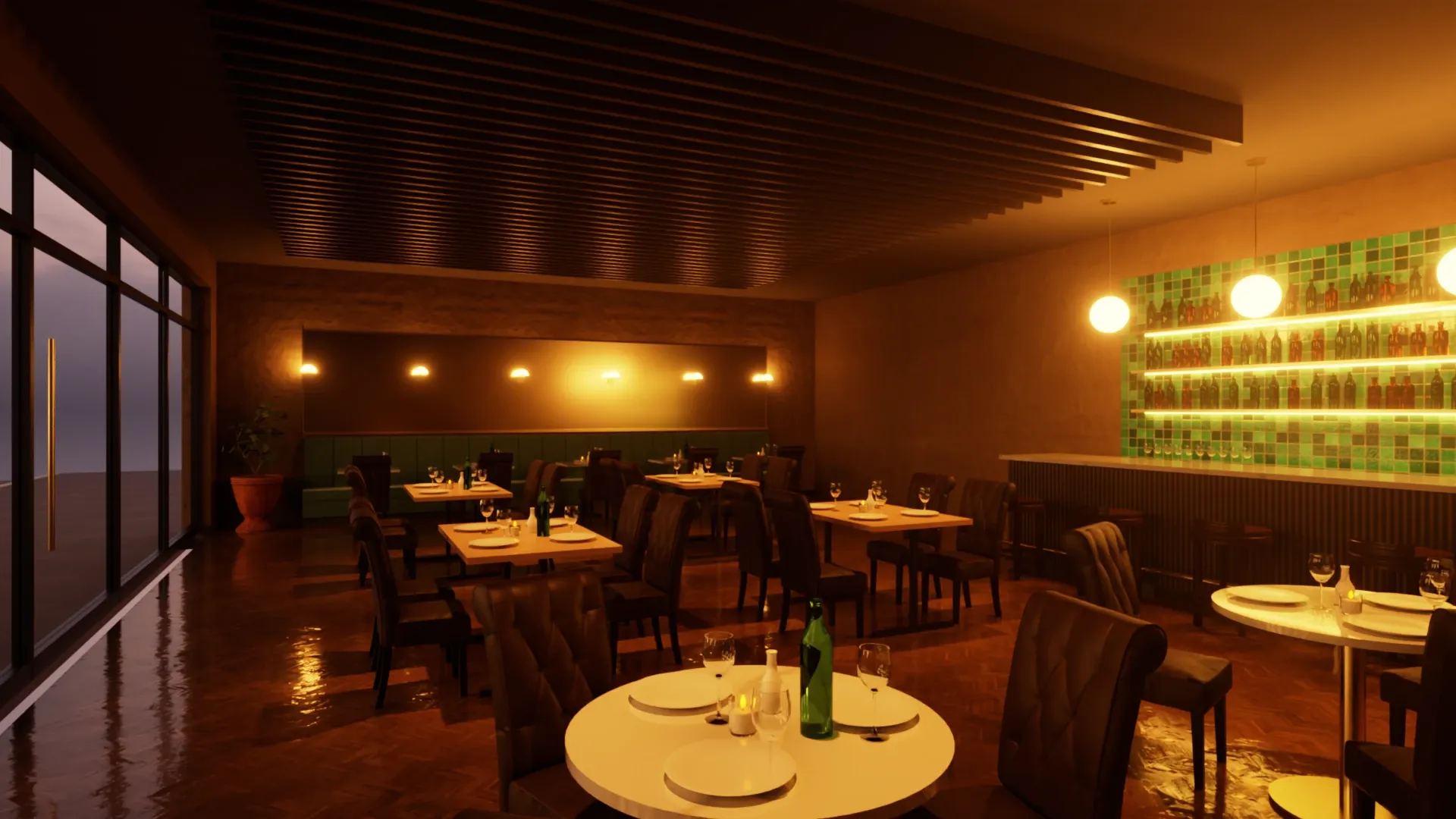
Your design, rendered. Not reimagined.
Veras turns a view of your model into an image with generative AI: impressive in seconds, but it paints its own idea of your materials, light and details, a new one with every click, and every image costs credits. Rayscaper renders the model you designed, with the materials you chose and light that follows the physics, the same every time. As many renders as you like, for $99 once.
On a Mac? Get Rayscaper for Mac, for Apple silicon.
At a glance
| Feature | Rayscaper | Veras |
|---|---|---|
| Price | $99 once, a year of updates included | About $385 a year for Pro, a monthly credit allowance |
| How the image is made | Path tracing: the light is simulated on your model | Generative AI paints an image from a view of your model |
| Same input, same image | Yes, every time | No, every generation is different |
| Materials | Exactly the ones you set, with real glass, metal and water | Interpreted from your prompt and the colors of the view |
| Renders | As many as you like, at the size you need | Limited by credits, about 200 images a month on Pro |
| Where it runs | On your own computer | On Chaos' servers |
| Refund | Within 14 days | Using AI credits voids the right to a refund |
What it costs you
- Veras
- Rayscaper
Veras Pro is €330 a year (about $385) with 2,000 credits a month, about 200 images, on the Chaos website in October 2026. Veras Starter is €190.80 a year with 500 credits, about 50 images a month. Prices are in US dollars without taxes and may differ in your region. Rayscaper is $99 once with a year of updates included; the totals don't count later upgrades. Not happy with it? Get your money back within 14 days.
Why SketchUp users switch from Veras
The client sees what you designed
Generative AI fills in what it thinks belongs there: a different tile, another lamp, a window frame that wasn't in the model. Rayscaper renders your geometry and materials as they are, so the image is a promise you can build.
Every view of one project
Render the kitchen, then the living room, then the façade: they share the same materials and the same sun, because they're the same model. With AI, every view is a new interpretation, and a series rarely matches.
Change one thing, and only that
Make the floor oak instead of concrete and render again: everything else stays as it was. In an AI image, a new prompt or a new click changes the whole picture.
No credits, no meter running
$99 once, and you render as often as you like on your own computer, for as long as you like. Your model never leaves your computer.
Made by Rayscaper users
-
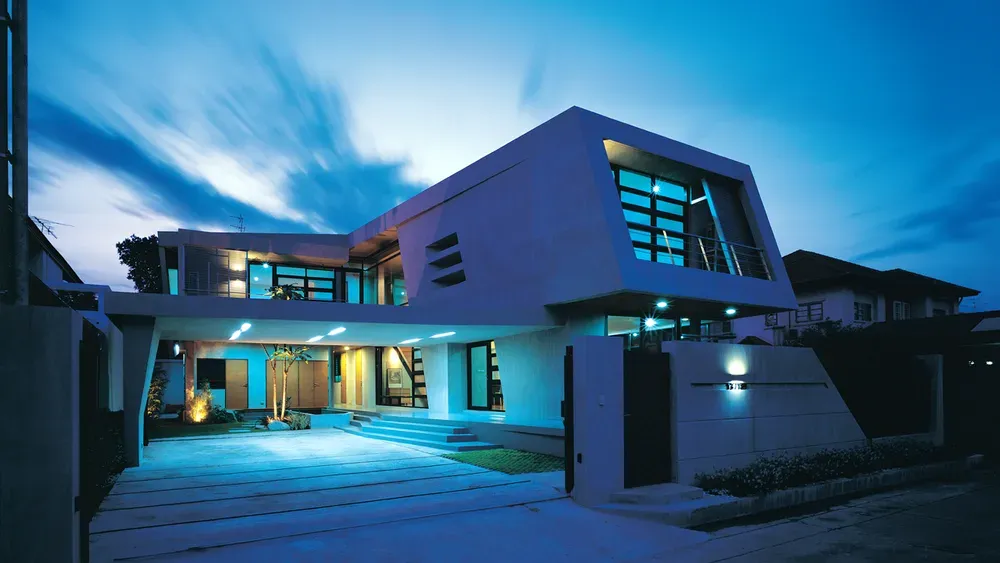
Exterior Scene · Majid Yeganegi -
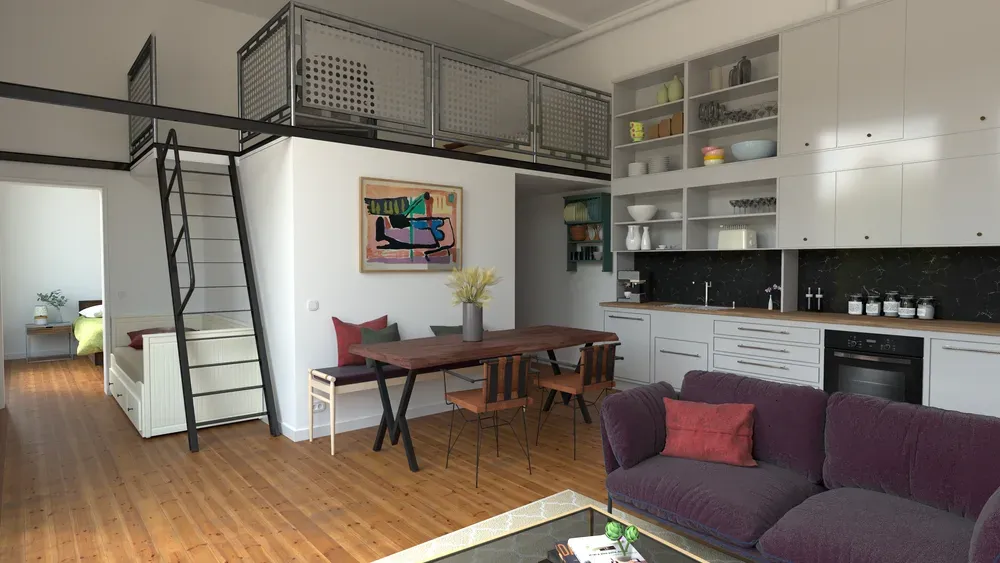
Loft Cuisine · Julien Fischel -
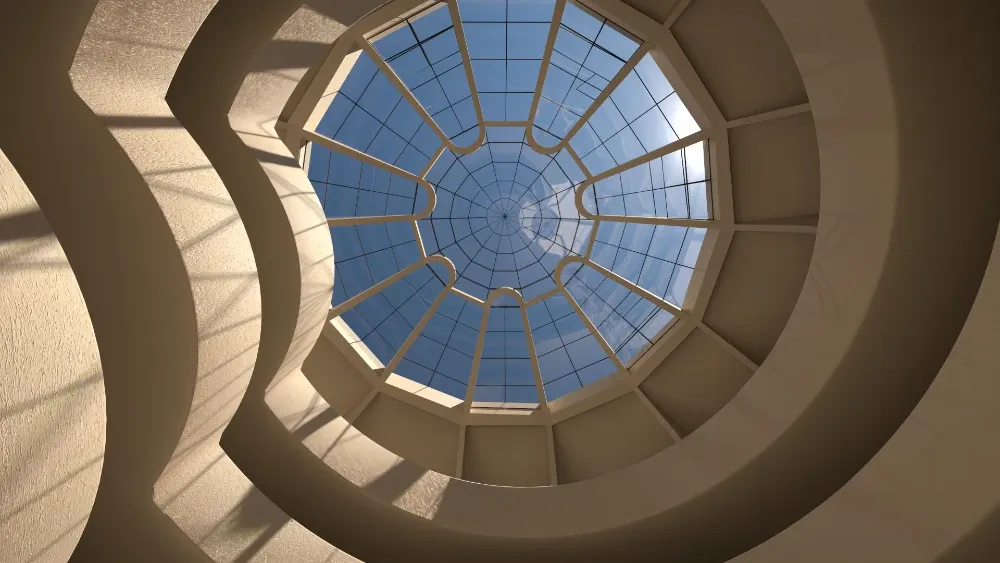
Guggenheim Museum · Rich O'Brien
When Veras is the better choice
Veras is good at what it was built for. Stay with it if:
- You explore early concepts and want a dozen moods from a massing model in minutes.
- You turn sketches into atmosphere images, where accuracy doesn't matter yet.
- You want a quick image from a model that has no materials yet.
If that isn't you, you're paying for more than you use. Try Rayscaper on your next project and compare.
Switching from Veras
-
Install Rayscaper and click Start Render
It renders the SketchUp model you're working on, with its materials, sun, tags and scenes, and updates the moment you change it.
-
Give the key materials a type
Make the windows Glass and the fixtures Metal, or drop one of 1,000+ materials from the asset manager on a surface.
-
Let an AI agent help, if you like
Claude or Codex can set up the render with you through Rayscaper's AI agent connection: they adjust the light and materials of your model, and the render stays a real render.
See it on your own model
The free version has no time limit: open the project you're working on and watch it render. If you like what you see, a license is $99, once, and you can get your money back within 14 days.
Frequently asked questions
Can AI rendering replace a real renderer?
For early mood images, often. For images a client approves and a builder works from, not yet: an AI image generator invents details, changes materials and gives a different result each time. Rayscaper renders the model itself, so what you show is what you designed.
Is Rayscaper slower than Veras?
Rayscaper shows the render at once and refines it while you look; a clean image takes from seconds to a few minutes, depending on the scene and your hardware. Every render after that is the same model, without prompting, retrying or spending credits.
Does Rayscaper use AI?
Where it helps without changing your design: an AI denoiser cleans up the render in seconds, and AI agents like Claude and Codex can set up the light and materials of your scene through Rayscaper's agent connection. The image itself is always path-traced from your model.
Is there a free version?
Yes, without a time limit. Its renders are watermarked, at most 1280 pixels on the longest edge and for non-commercial use. A license for full-size, commercial renders is $99 once.