
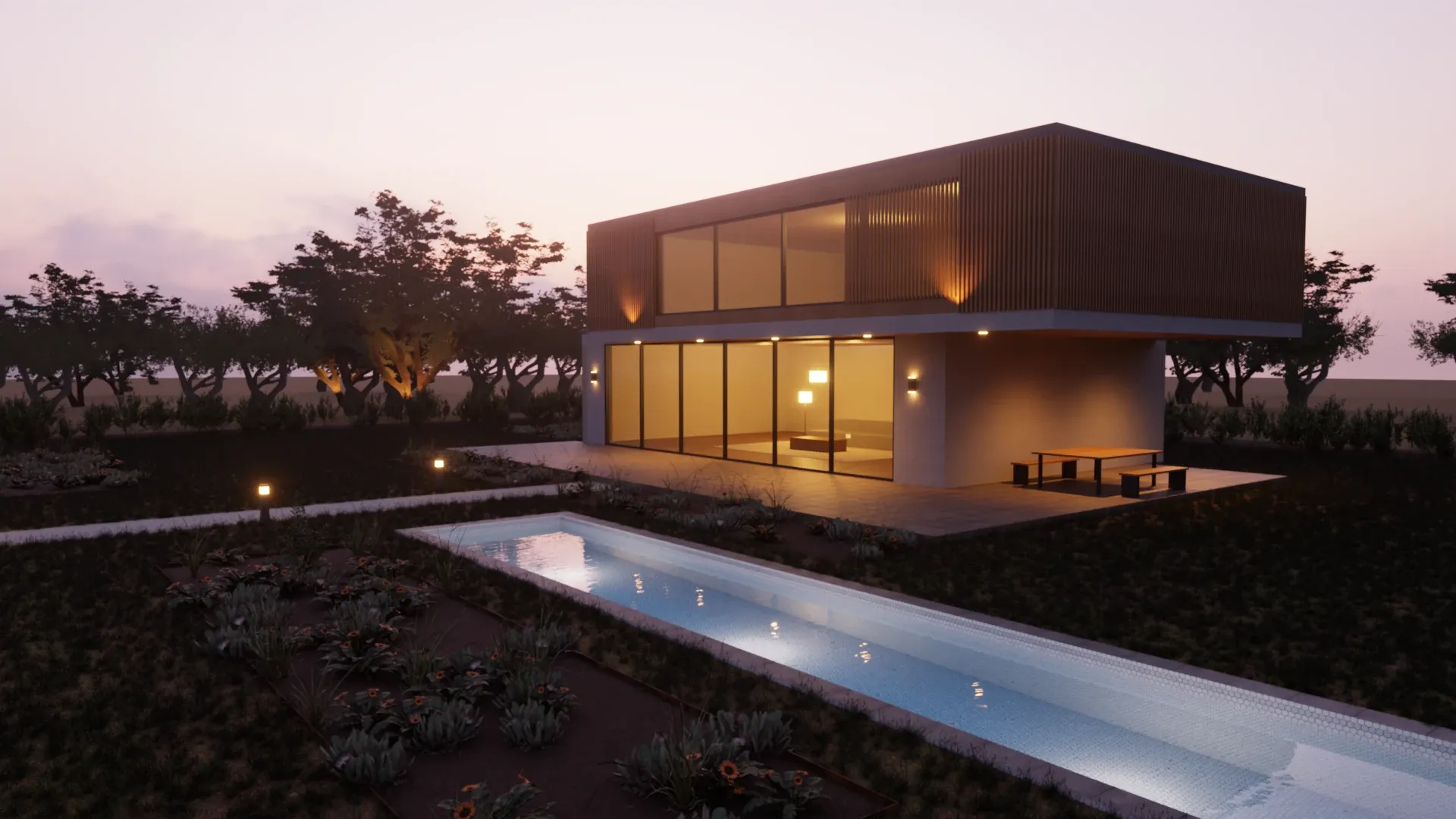
A render of your model, not a guess at it.
SketchUp AI Render, formerly Diffusion, sends a view of your model to Trimble's servers and gets back an image that generative AI painted over it: a different one each time, with its own idea of your materials and light. SketchUp Pro includes about fifteen of them a month. Rayscaper renders your model itself, as often as you like, on your own computer, for $99 once.
On a Mac? Get Rayscaper for Mac, for Apple silicon.
At a glance
| Feature | Rayscaper | SketchUp AI Render |
|---|---|---|
| Price | $99 once, a year of updates included | In SketchUp Go, Pro and Studio; more credits $11.99 a month |
| Renders | As many as you like | 10 credits per image: about 15 a month with Pro |
| How the image is made | Path tracing: the light is simulated on your model | Generative AI paints an image from a view of your model |
| Same input, same image | Yes, every time | No, every generation is different |
| Materials and light | Exactly what you set: your materials, the SketchUp sun, your lights | Interpreted from the prompt, a style preset and the view |
| Where it runs | On your own computer, Windows or Apple silicon Mac | On Trimble's servers |
What it costs you
- SketchUp AI Render
- Rayscaper
SketchUp Pro includes 150 AI credits a month and an AI Render image costs 10, according to SketchUp's help center in October 2026. More credits come with the SketchUp AI add-on, $11.99 a month for 1,500 credits. Prices are in US dollars without taxes and may differ in your region. Rayscaper is $99 once with a year of updates included; the totals don't count later upgrades. Not happy with it? Get your money back within 14 days.
Why SketchUp users switch from SketchUp AI Render
What you modelled, in the image
AI Render keeps the outline of the view and invents the rest: textures, fixtures, plants, the light. Rayscaper renders every material, light and object of your model as it is.
Repeatable, view after view
Render the same scene tomorrow and you get the same image. Render another scene of the same model and it matches: same materials, same sun. That's what a presentation of one project needs.
Light you control
Rayscaper takes the sun from SketchUp's shadow settings, so the shadows fall where they will on that date and hour. Place lamps and spots where they are in your design, with real IES profiles.
Render without counting
Fifteen images a month is a few minutes of trying. Rayscaper renders on your own computer, so you iterate as often as you like, at the full size you need.
Made by Rayscaper users
-
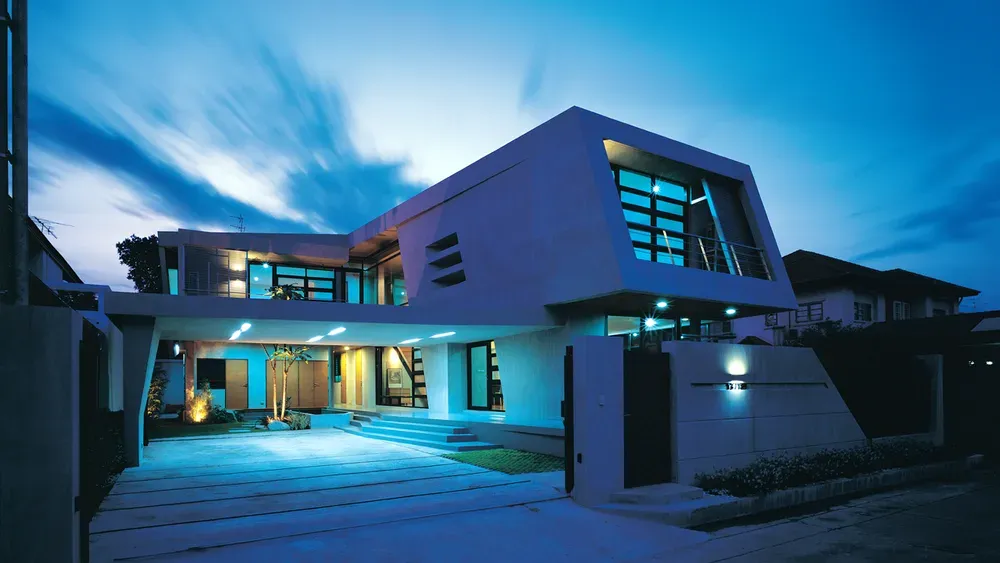
Exterior Scene · Majid Yeganegi -
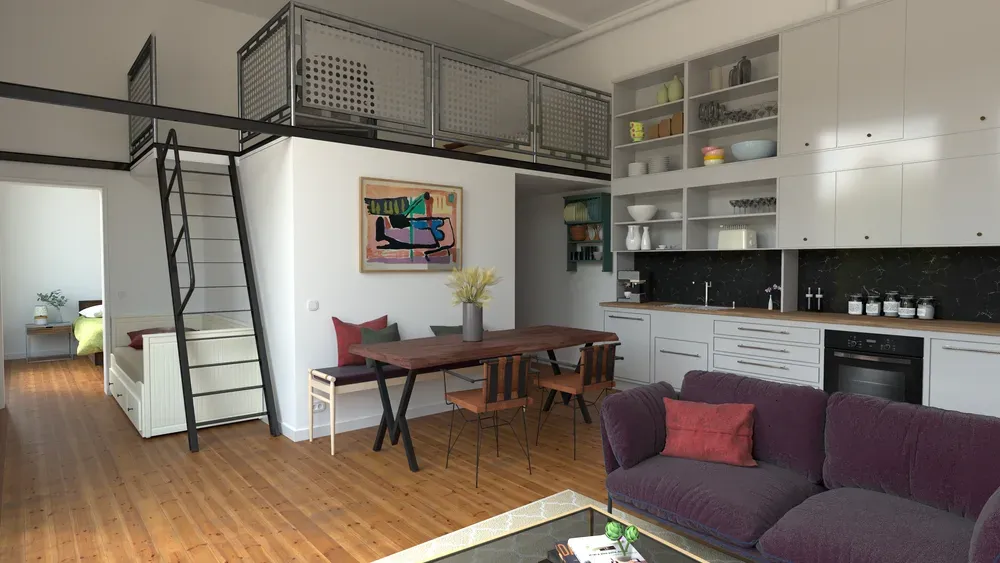
Loft Cuisine · Julien Fischel -
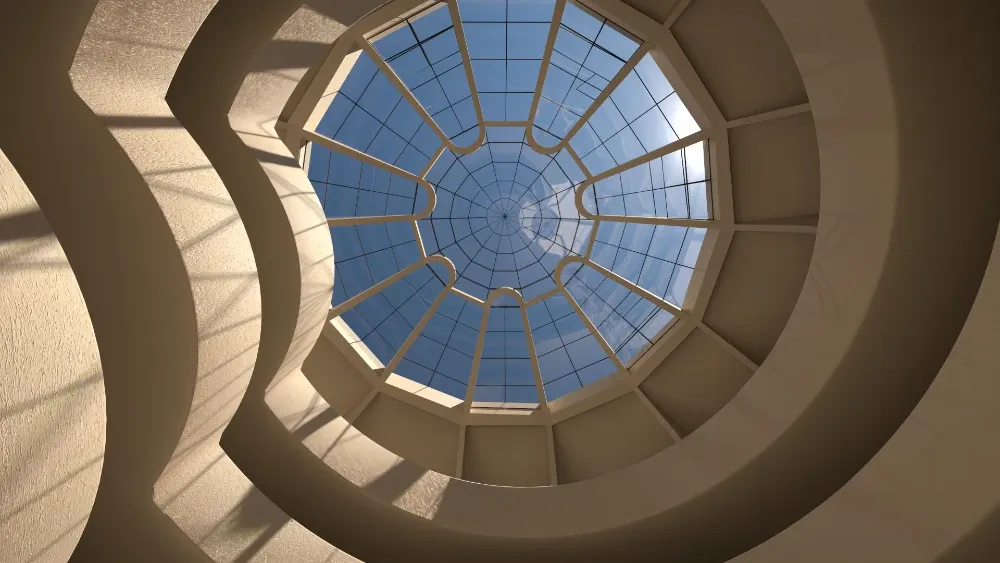
Guggenheim Museum · Rich O'Brien
When SketchUp AI Render is the better choice
SketchUp AI Render is good at what it was built for. Stay with it if:
- You want a quick atmosphere image of an early massing model, and accuracy doesn't matter yet.
- You explore styles: the same view as a sketch, a watercolor or a dusk scene.
- You only need a few images a month and already pay for SketchUp Go, Pro or Studio.
If that isn't you, you're paying for more than you use. Try Rayscaper on your next project and compare.
Switching from SketchUp AI Render
-
Install Rayscaper and click Start Render
It renders the SketchUp model you're working on, with its materials, sun, tags and scenes, and updates the moment you change it.
-
Check the materials
Colors and textures come from your SketchUp materials, and SketchUp's PBR materials are converted. Make the windows Glass and the fixtures Metal.
-
Keep AI Render for sketches
Both work in the same SketchUp. Use AI Render for quick mood studies early on, and Rayscaper for the images of the design.
See it on your own model
The free version has no time limit: open the project you're working on and watch it render. If you like what you see, a license is $99, once, and you can get your money back within 14 days.
Frequently asked questions
Is SketchUp Diffusion the same as AI Render?
Yes. SketchUp Diffusion left SketchUp Labs and is now AI Render, part of SketchUp's AI features, which run on credits.
Why does AI Render change my design?
A generative model doesn't render your geometry and materials: it paints a new image that looks like your view, guided by a prompt and a style. Details it isn't sure about it invents, and every click gives another picture. Rayscaper simulates the light on your actual model.
Does Rayscaper need a powerful computer?
No. On Windows it renders on an NVIDIA GPU when it finds one and on the CPU otherwise; on a Mac it renders on the GPU of Apple silicon. A graphics card only makes it faster.
Does Rayscaper use AI?
Where it helps without changing your design: an AI denoiser cleans up the render in seconds, and AI agents like Claude and Codex can set up the light and materials of your scene. The image itself is always path-traced from your model.