
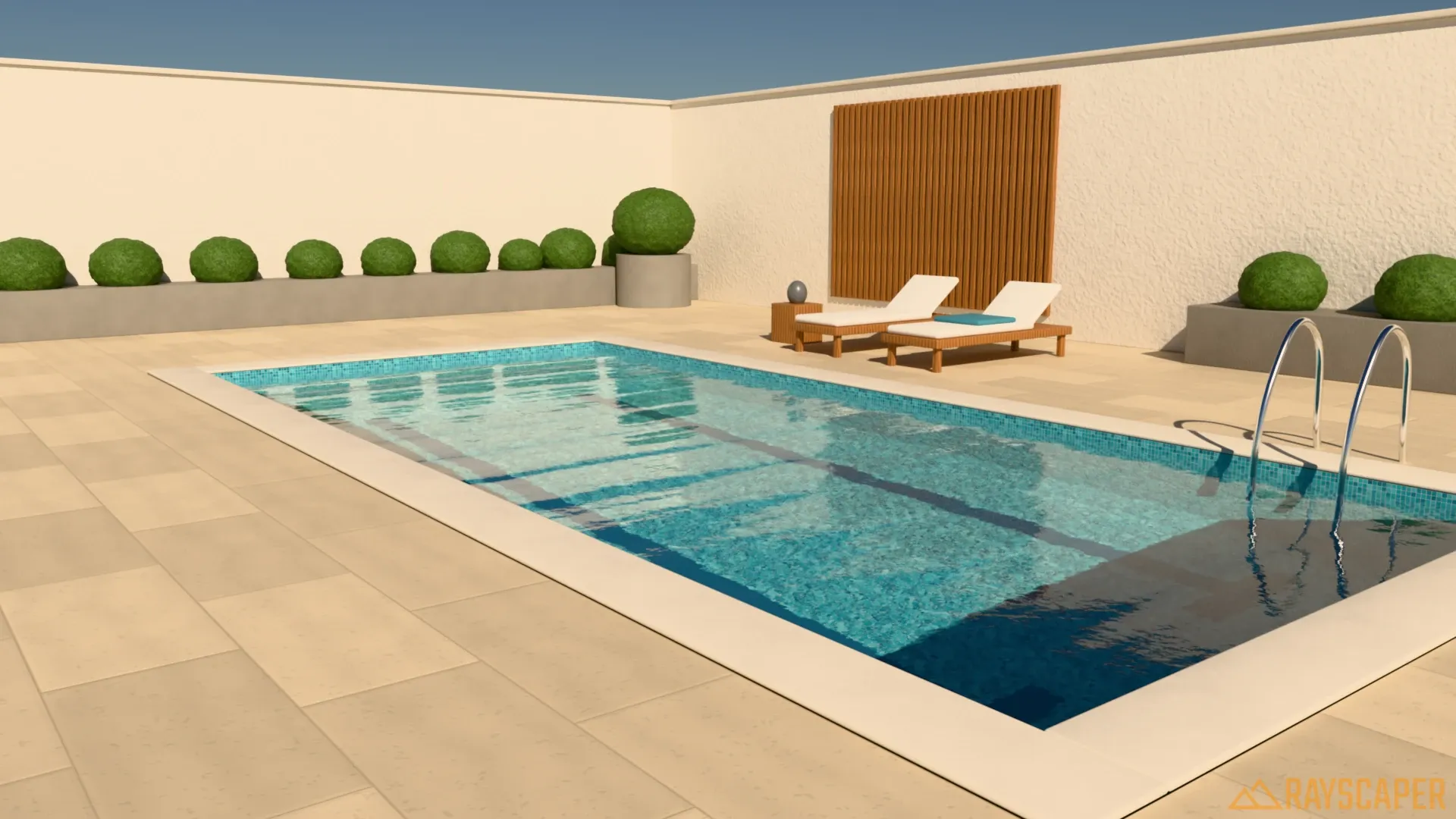
Path-traced renders, without leaving SketchUp.
Twinmotion is a second app with a second copy of your scene, and its path tracer for photorealistic stills only runs on Windows with a high-end graphics card. Rayscaper path-traces every render inside SketchUp, on the computer you already have, Mac included.
On a Mac? Get Rayscaper for Mac, for Apple silicon.
At a glance
| Feature | Rayscaper | Twinmotion |
|---|---|---|
| Price | $99 once, a year of updates included | Free under $1M yearly revenue, else $445 per seat per year |
| Runs | Inside SketchUp, live | Separate app, linked with Direct Link |
| Rendering | Path tracing for every render | Real time, with an optional path tracer on Windows |
| Hardware | Any Windows PC (NVIDIA GPU optional) or Apple silicon Mac | A capable GPU; NVIDIA RTX or AMD RX 6000 with 8 GB for path tracing |
| Platforms | Windows, macOS (Apple silicon) | Windows, macOS (path tracer on Windows only) |
| Made for | Photorealistic stills and animations from SketchUp | Animations, landscapes and lively scenes |
What it costs you
Twinmotion is free for individuals and companies with less than $1 million in yearly revenue, and costs $445 per seat per year above that. Rayscaper's free version has no time limit, but its renders are watermarked, at most 1280 pixels and for non-commercial use; a license for full-size, commercial renders is $99 once. If your company pays for Twinmotion, a Rayscaper license costs less than a quarter of one year. And if Rayscaper isn't right for you, you get your money back within 14 days.
Why SketchUp users switch from Twinmotion
One model, one app
Twinmotion is a second application with its own copy of your scene. Rayscaper renders the SketchUp model you're working on, with its materials, sun, tags and scenes, and updates the moment you change it.
Path tracing on any computer
Twinmotion's path tracer needs Windows and a high-end GPU. Rayscaper path-traces on an NVIDIA GPU when you have one, on the CPU when you don't, and on the GPU of an Apple silicon Mac.
Nothing new to learn
No game-engine editor: Rayscaper's materials, lights and cameras follow what you already do in SketchUp, with a short list of settings and presets to start from.
Gardens without the export
Scatter grass, plants and rocks over your terrain with Rayscaper's scatter, or render your Skatter objects, without moving the model to another app.
Made by Rayscaper users
-
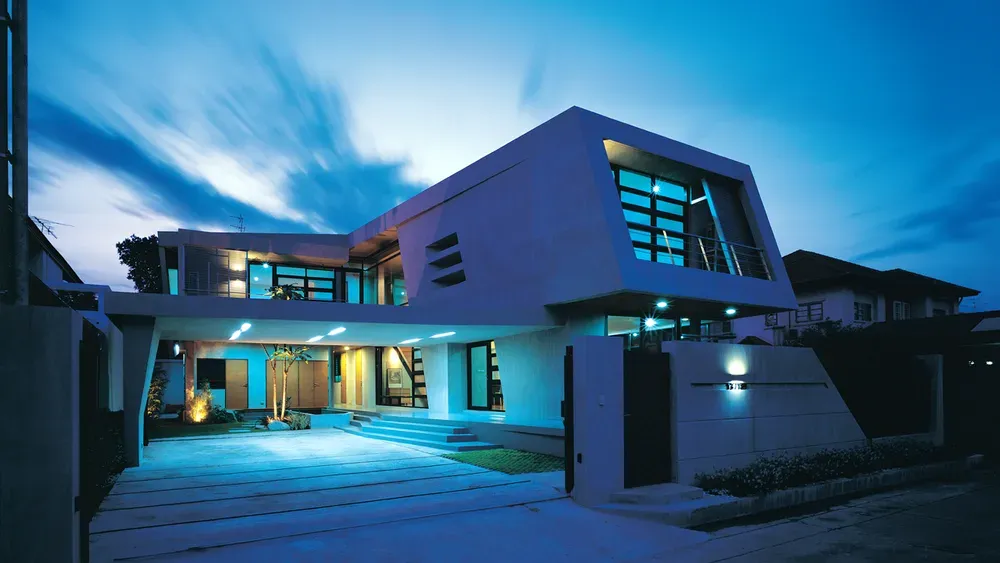
Exterior Scene · Majid Yeganegi -
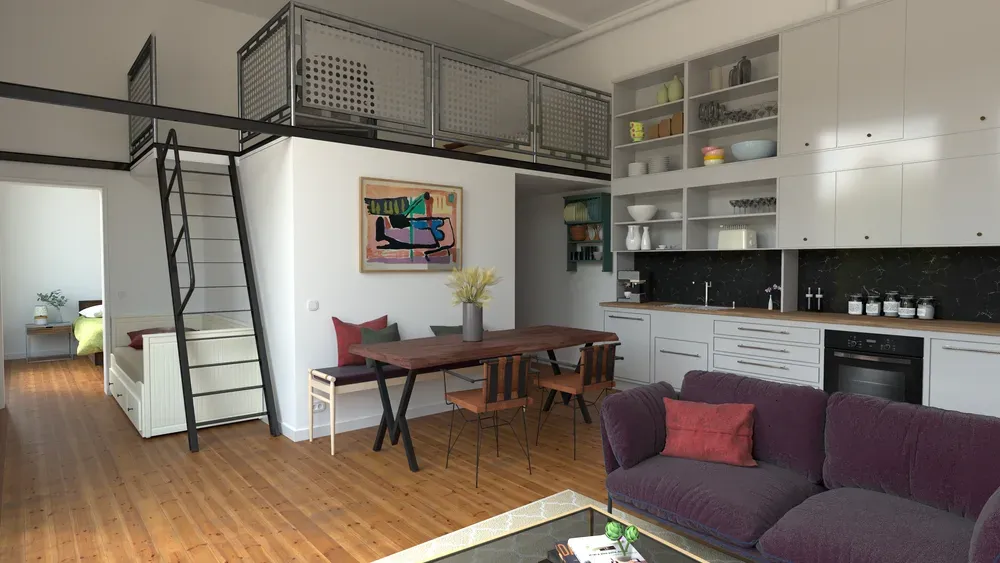
Loft Cuisine · Julien Fischel -
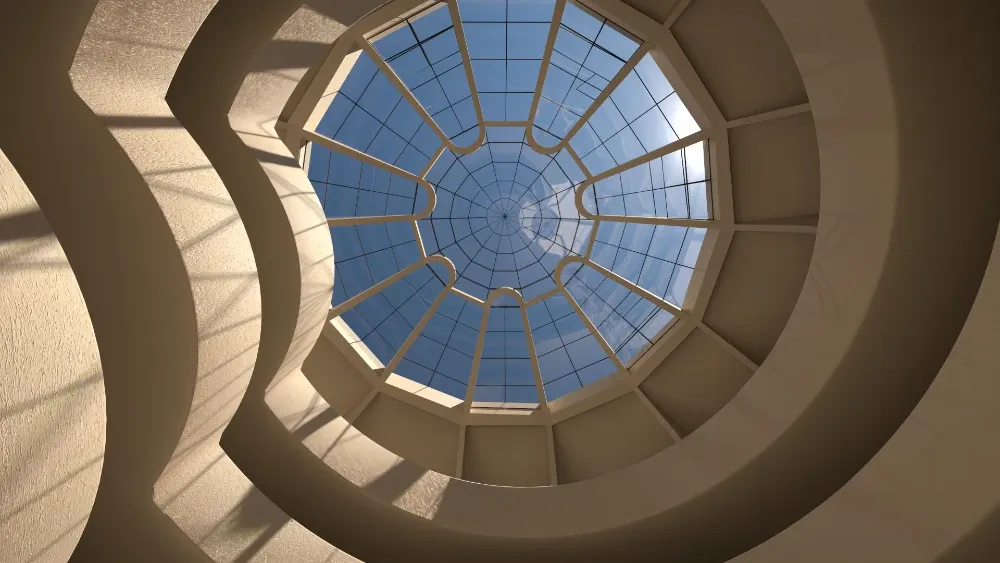
Guggenheim Museum · Rich O'Brien
When Twinmotion is the better choice
Twinmotion is good at what it was built for. Stay with it if:
- You make animations full of moving people, traffic, weather and seasons.
- You present in real time or in VR.
- Real-time quality is enough for your work, and your company qualifies for the free license.
If that isn't you, you're paying for more than you use. Try Rayscaper on your next project and compare.
Switching from Twinmotion
-
Render in SketchUp
Install Rayscaper, open your model and click Start Render. There's no Direct Link and no second scene.
-
Dress the scene in SketchUp
Use SketchUp components for furniture and people, and Rayscaper's scatter for grass, plants and rocks.
-
Set the light
The sun comes from SketchUp; pick a sky or an HDRI for the mood, and place Rayscaper's lights for the evening.
See it on your own model
The free version has no time limit: open the project you're working on and watch it render. If you like what you see, a license is $99, once, and you can get your money back within 14 days.
Frequently asked questions
Is Twinmotion free?
For individuals and companies with less than $1 million in yearly revenue, yes. Larger companies pay $445 per seat per year. A Rayscaper license is $99 once; its free version is for non-commercial use.
Why pay $99 for Rayscaper when Twinmotion is free?
For path-traced stills without the hardware and the extra app. Twinmotion's path tracer needs Windows and a high-end GPU, and you work in a second application with its own copy of your scene. Rayscaper path-traces inside SketchUp on any Windows PC and on Apple silicon Macs, updates the moment you change the model, and follows what you already know from SketchUp.
Does Rayscaper need an RTX card for path tracing?
No. Every Rayscaper render is path-traced: on an NVIDIA GPU when it finds one, with hardware ray tracing on RTX cards, on the CPU otherwise, and on the GPU of an Apple silicon Mac.
Can Rayscaper make animations?
Yes, between your SketchUp scenes, with a moving sun, rendered frame by frame. It has no real-time walkthrough or VR mode.
Does Rayscaper run on a Mac?
Yes: on Macs with Apple silicon (M1 or newer), macOS 14 or later and SketchUp 2025 or 2026. It path-traces there too, while Twinmotion's path tracer is Windows only.