
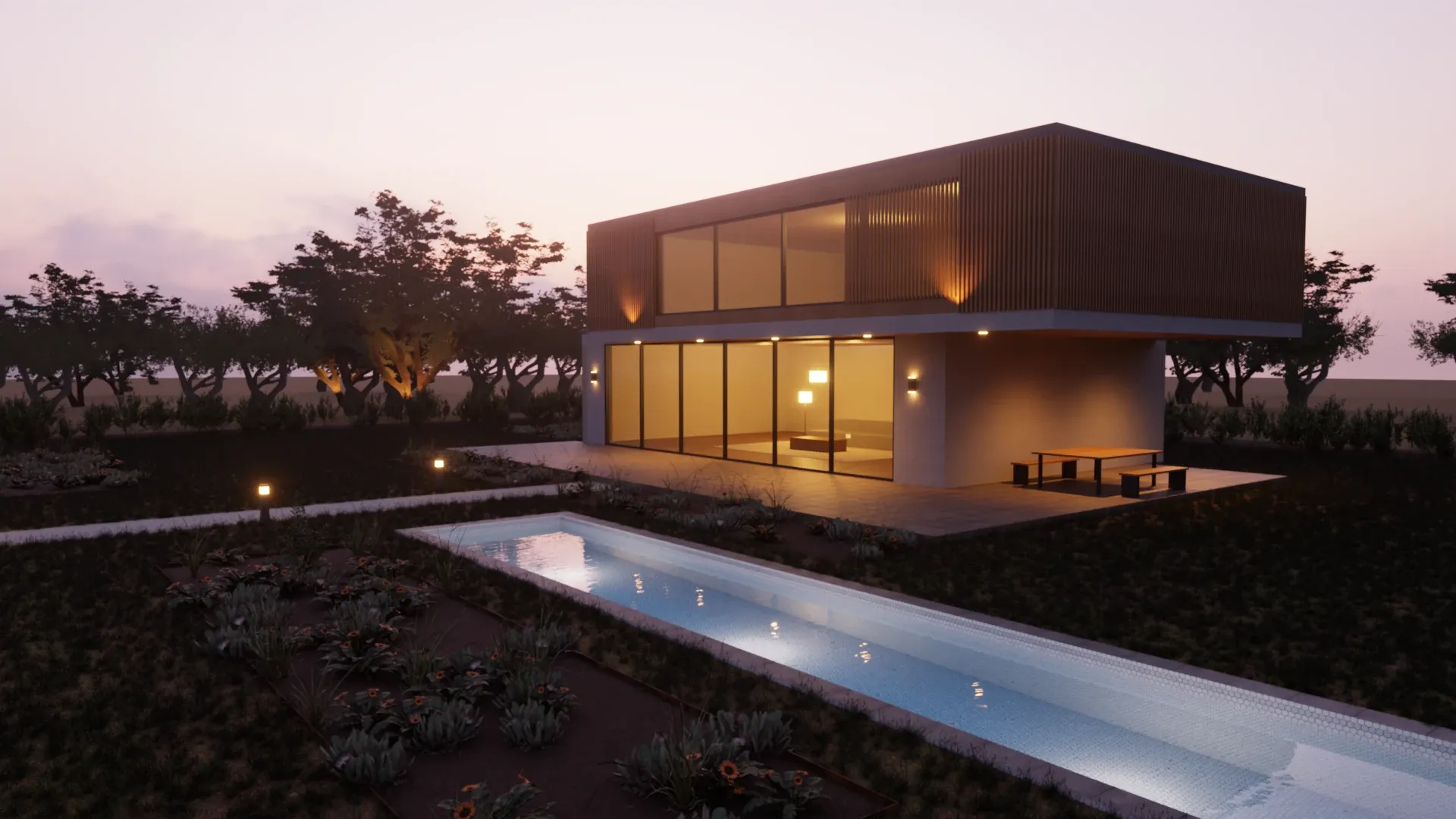
Photorealistic like V-Ray. Simple enough to use every day.
Two render engines, hundreds of settings and about $540 every year: V-Ray is built for visualization specialists. Rayscaper gives you the same photographic light with a fraction of the settings, live in SketchUp while you model, for $99 once.
On a Mac? Get Rayscaper for Mac, for Apple silicon.
At a glance
| Feature | Rayscaper | V-Ray |
|---|---|---|
| Price | $99 once, a year of updates included | About $540 a year for Solo |
| Try it | Free version without a time limit | 30-day trial |
| Rendering | Path tracing, live while you model | Path tracing, with interactive and production modes |
| Settings | A short list, with finishes and presets | Extensive, made for specialists |
| Hardware | Any Windows PC (NVIDIA GPU optional) or Apple silicon Mac | CPU, NVIDIA GPU or Apple GPU |
| Platforms | Windows, macOS (Apple silicon) | Windows, macOS |
| Assets | 1,000+ Poly Haven materials and HDRIs, built in | Chaos Cosmos: thousands of models and materials |
What it costs you
- V-Ray
- Rayscaper
V-Ray Solo is about $540 a year, billed yearly, on the Chaos website in October 2026. Prices are in US dollars without taxes and may differ in your region. Rayscaper is $99 once with a year of updates included; the totals don't count later upgrades. Not happy with it? Get your money back within 14 days.
Why SketchUp users switch from V-Ray
Pay once, keep it
$99 buys a perpetual license with a year of updates, and it keeps working after that. Five years of V-Ray Solo cost about $2,700.
Learn it in an afternoon
A material is Standard, Glass, Metal or Water, with finishes like Satin or Brass to start from. There is no render engine to pick and no render elements to set up before your first good image.
The live view is the render
Rayscaper refines the same render while you model, so you judge light and materials as you design, and save the image when it's clean.
Built for SketchUp only
V-Ray serves a dozen 3D applications; Rayscaper serves one. It syncs your SketchUp materials, sun, tags, scenes and Skatter objects live, and its lights are placed in SketchUp.
Made by Rayscaper users
-
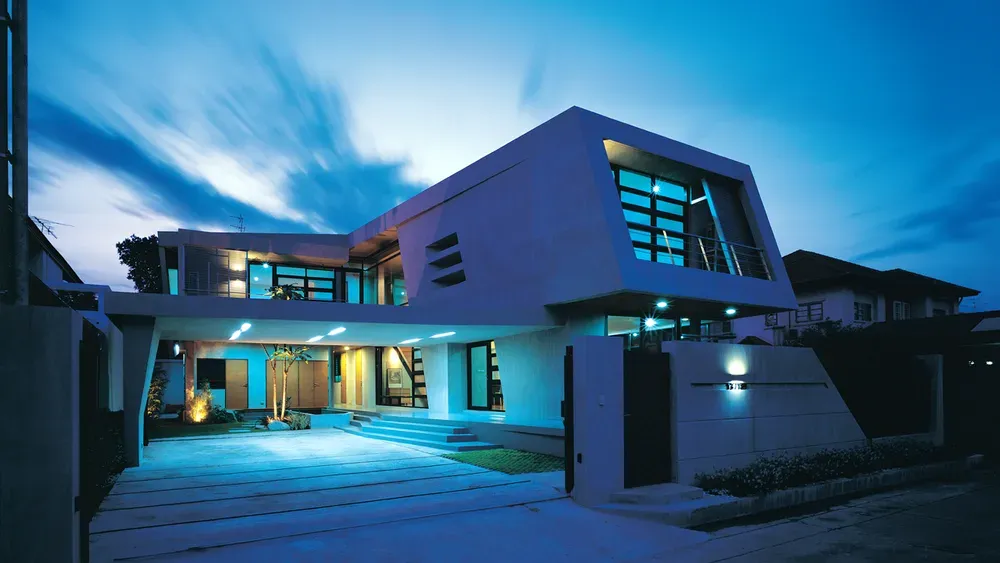
Exterior Scene · Majid Yeganegi -
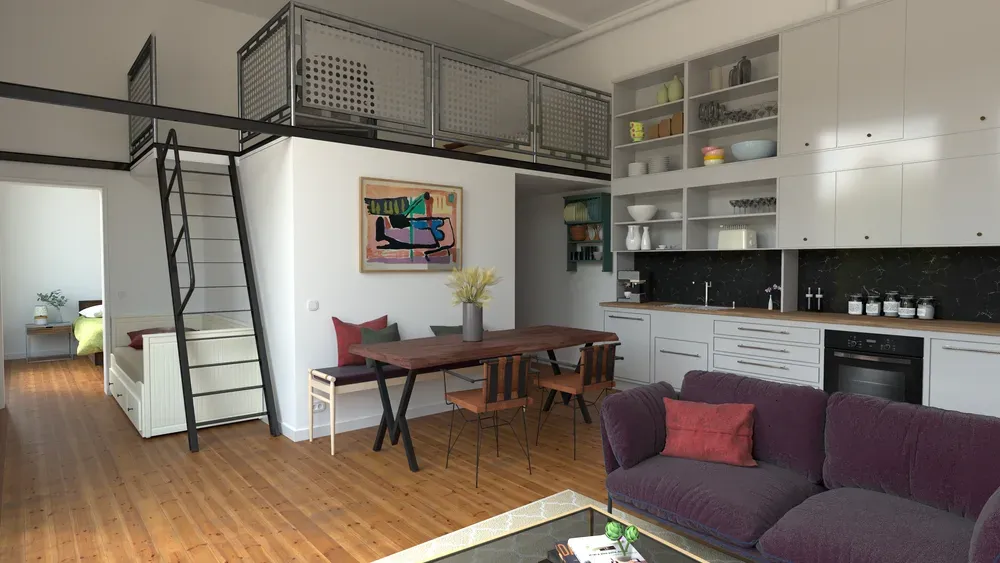
Loft Cuisine · Julien Fischel -
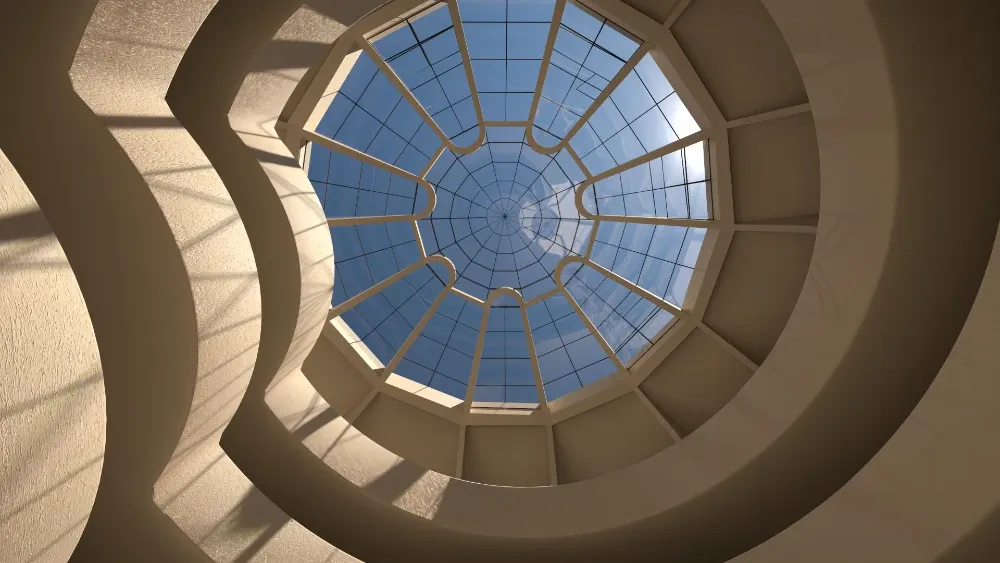
Guggenheim Museum · Rich O'Brien
When V-Ray is the better choice
V-Ray is good at what it was built for. Stay with it if:
- You need V-Ray's fine control for high-end production work, or your clients ask for V-Ray files.
- You render on a farm or in Chaos Cloud, or your team shares V-Ray material libraries and render presets.
- You rely on the Chaos Cosmos library of furniture, people and plants.
If that isn't you, you're paying for more than you use. Try Rayscaper on your next project and compare.
Switching from V-Ray
-
Install Rayscaper next to V-Ray
Both are SketchUp extensions. Open the project you're working on and click Start Render.
-
Give the key materials a type
Colors and textures come from your SketchUp materials; the V-Ray settings on top of them don't. Make the windows Glass and the fixtures Metal, then check the rest.
-
Place the lights
The sun and sky come from SketchUp. For lamps and spots, place Rayscaper's lights in SketchUp, with IES profiles where you need them.
See it on your own model
The free version has no time limit: open the project you're working on and watch it render. If you like what you see, a license is $99, once, and you can get your money back within 14 days.
Frequently asked questions
Is Rayscaper as photorealistic as V-Ray?
Yes: both are path tracers that simulate how light bounces through a scene, which is what makes a render look like a photo. V-Ray adds controls for specialists pushing a production render further. The free version lets you see the result on your own model.
Can I use my V-Ray materials in Rayscaper?
Rayscaper reads the SketchUp materials of your model, so their colors and textures come along, and SketchUp's own PBR materials are converted (SketchUp 2025 and newer). The V-Ray settings on top of them, V-Ray lights and proxies don't carry over.
Is there a free V-Ray alternative for SketchUp?
Rayscaper has a free version without a time limit. Its renders are watermarked, at most 1280 pixels on the longest edge and for non-commercial use. A license for full-size, commercial renders is $99 once.
Does Rayscaper run on a Mac?
Yes: on Macs with Apple silicon (M1 or newer), macOS 14 or later and SketchUp 2025 or 2026, where it renders on the GPU of the Mac.