
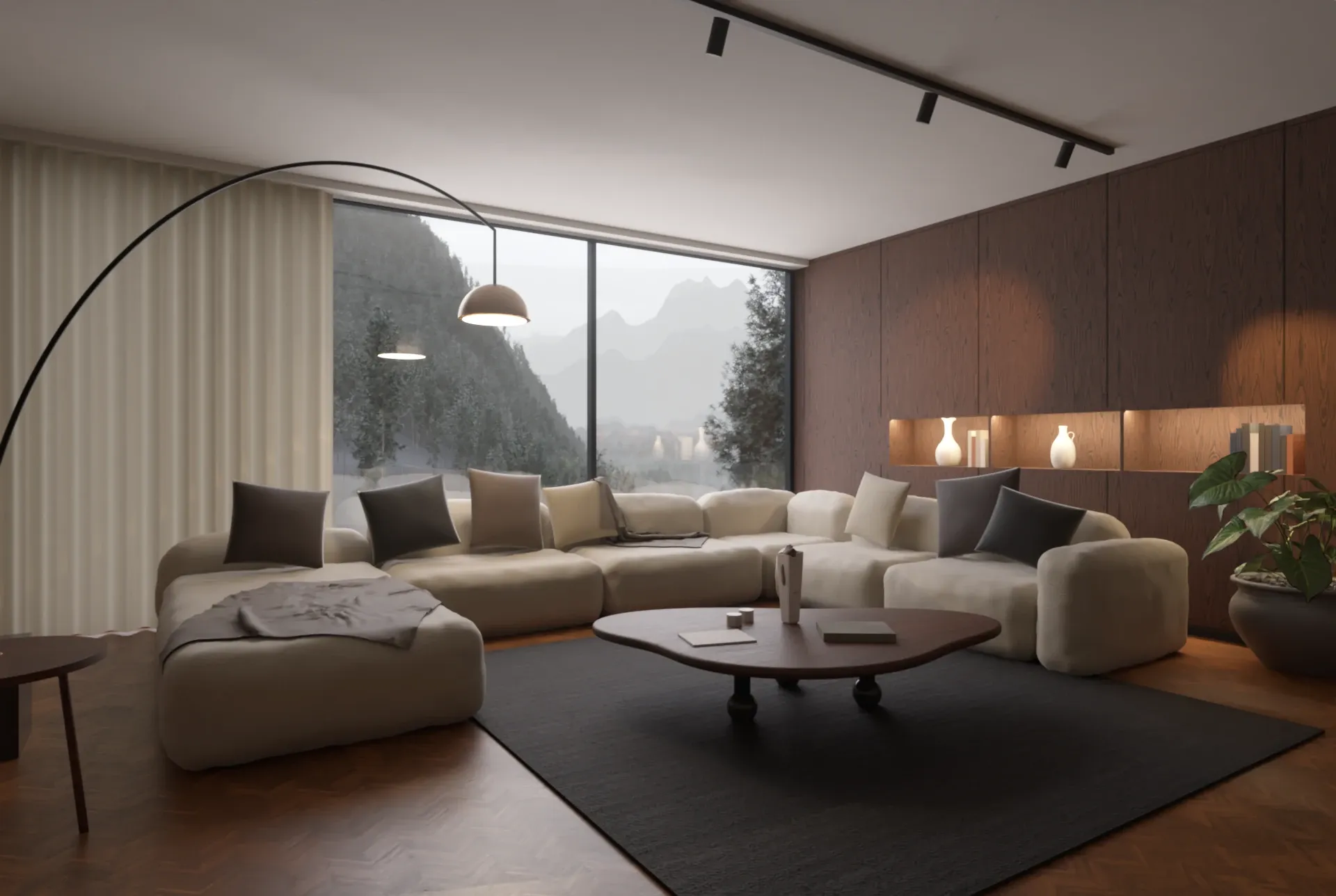
Show the room before it's built, in the light it will have.
Design the room in SketchUp and Rayscaper renders it next to your model as you work. Change a fabric, move a lamp or turn the sun, and the render follows. No export, and no second program to learn.
$99.99 once, no subscription. What a license includes. On a Mac? Get Rayscaper for Mac, for Apple silicon.
What Rayscaper does for interior design
Materials that look real
The asset library has more than 1,000 materials and skies: woods, stones, tiles, fabrics and metals. Drag a material onto the render to try it. Rayscaper also recognizes glass, mirrors and brass by the names of your SketchUp materials.
Lamps as bright as real ones
Pick a light by what it is, a 60 W bulb, an LED downlight or a reading lamp, and it gives as much light as the real one. Spotlights can cast the beam patterns of real fixtures on the walls.
Daylight through the windows
The sun follows SketchUp's Shadows panel. Change the time of day and watch the light move across the floor, from a bright morning to the golden hour.
Rugs and throws you can feel
The Fur material grows real fibers on a surface: a sheepskin, a shag rug or a plush pillow, without modelling a single hair.
Rendered with Rayscaper
-
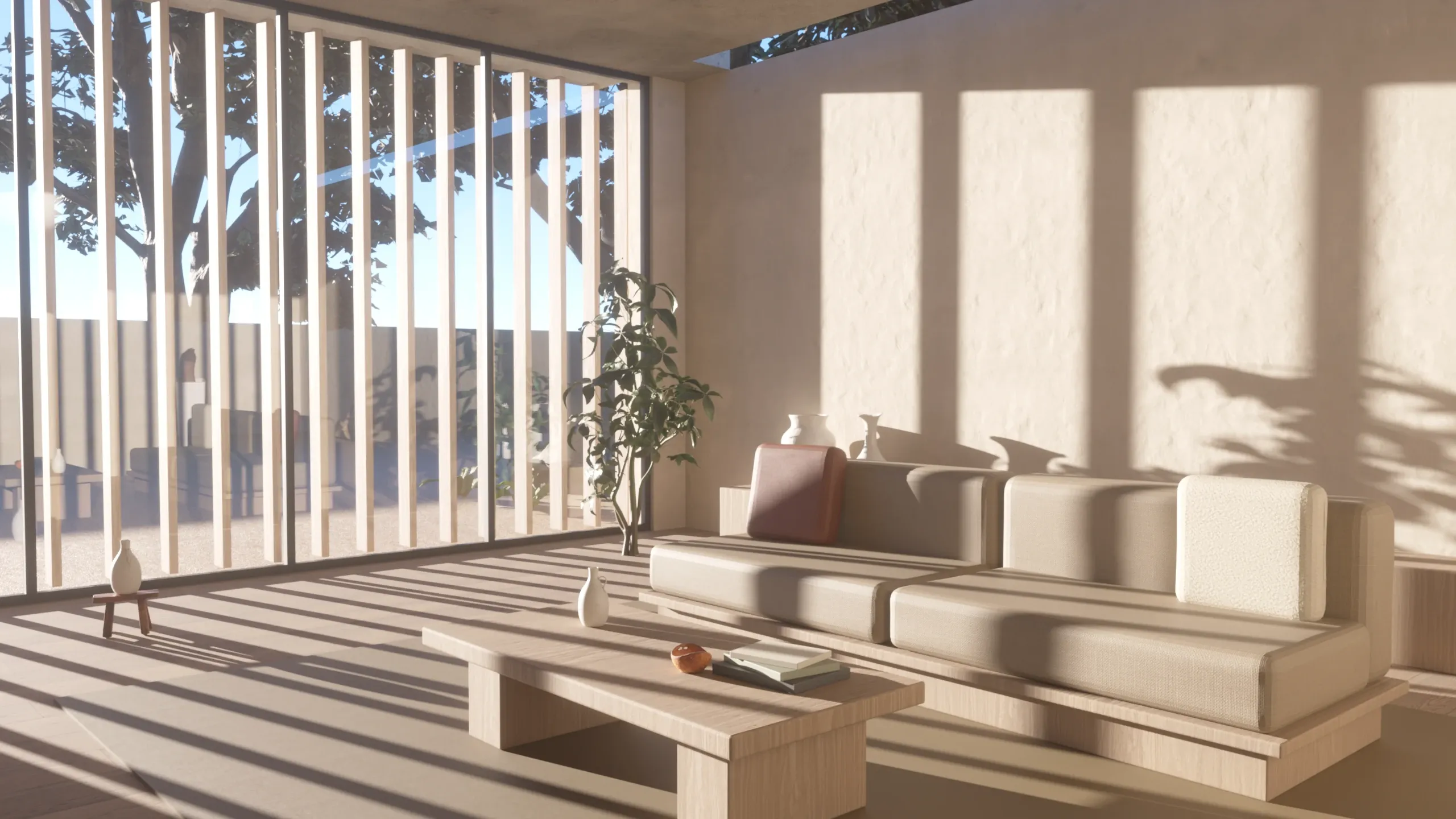
Japandi Living Room · Rayscaper example scene -
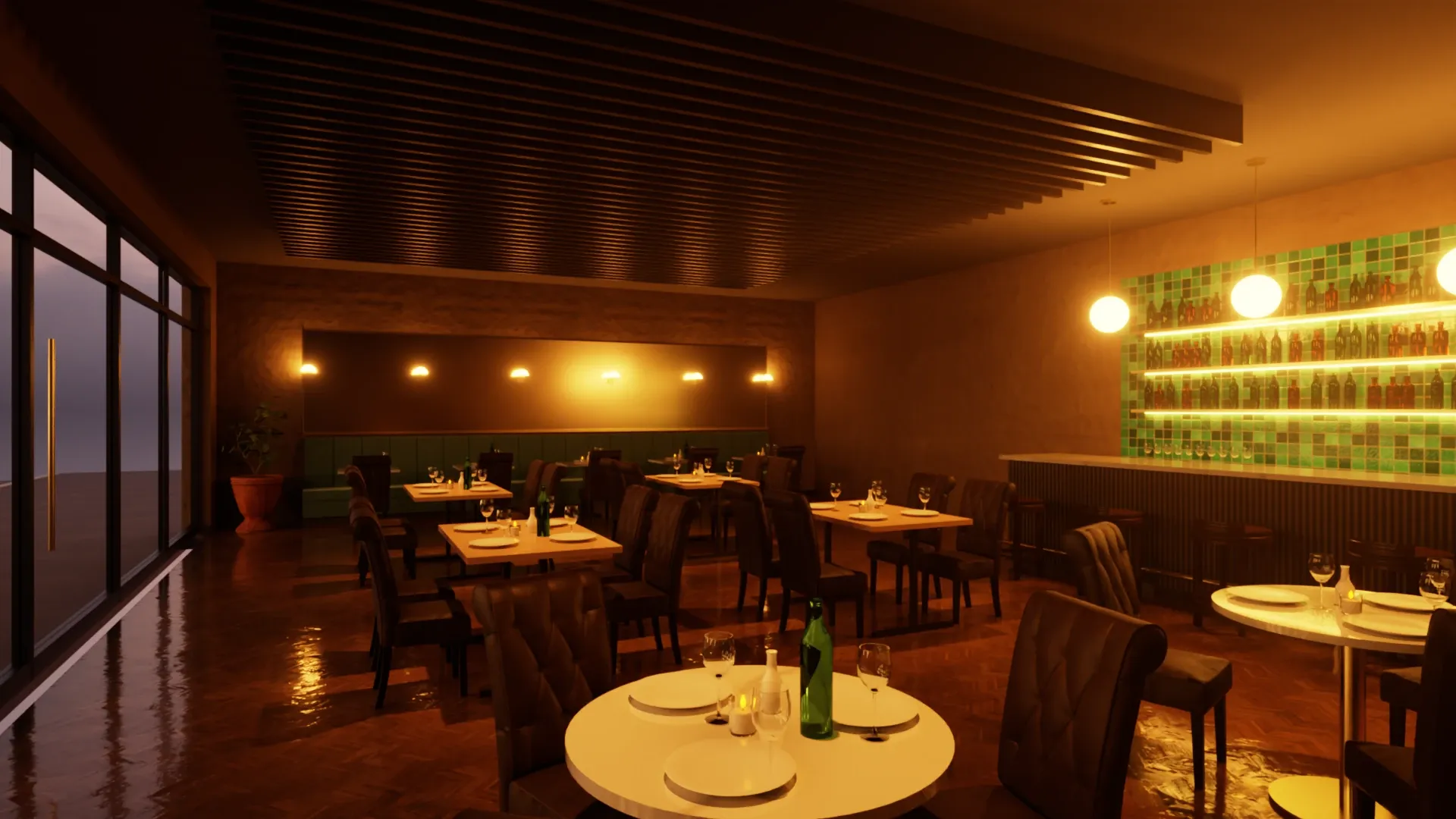
Restaurant in the Evening · Rayscaper example scene -
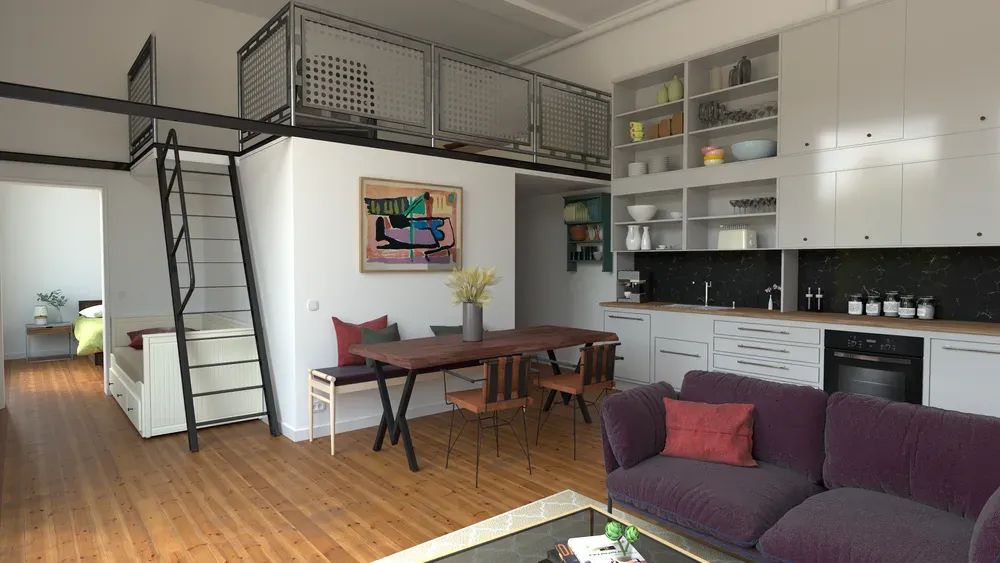
Loft Cuisine · Julien Fischel
Try it on an example scene
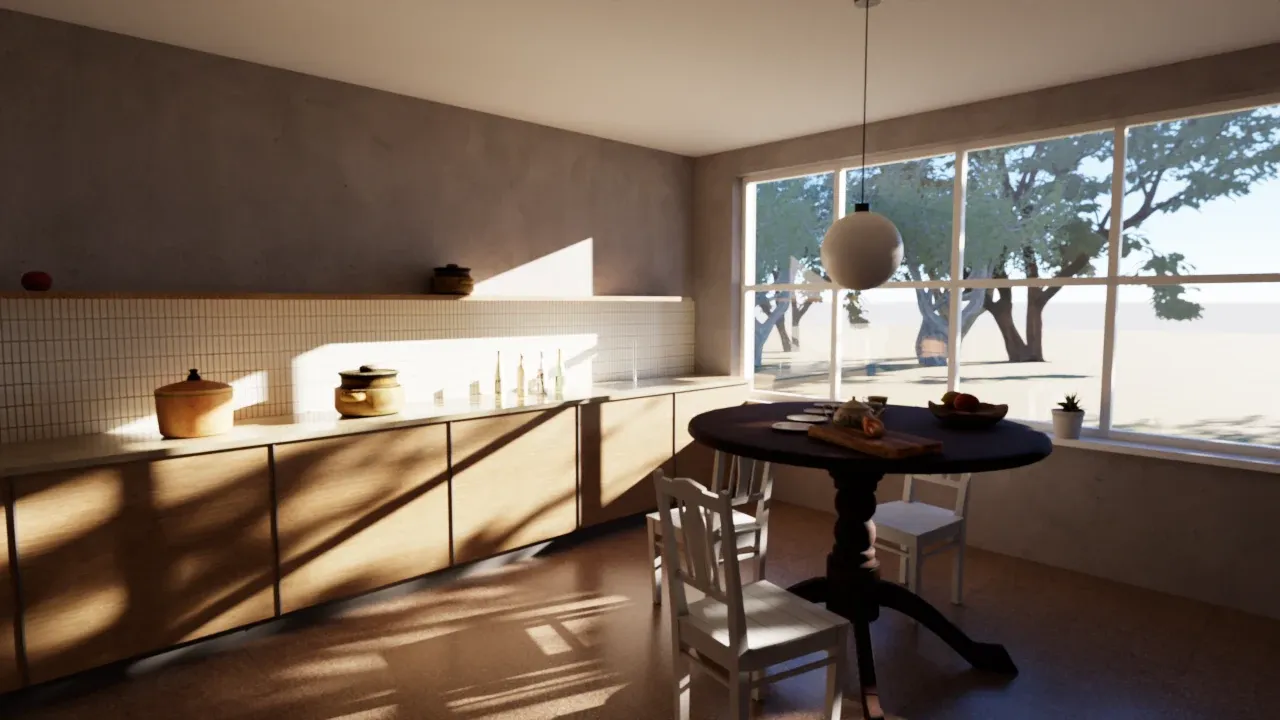
Breakfast Room
A breakfast room lit only by the morning sun through a garden window. Open it in SketchUp, pick a scene tab and click Start Render.
It works with the free version.
Download Breakfast Room (SKP, 8.8 MB)Learn more in the docs
See it on your own model
The free version has no time limit: open the project you're working on and watch it render. If you like what you see, a license is $99.99, once, and you can get your money back within 14 days.
On a Mac? Get Rayscaper for Mac.
Frequently asked questions
Do I have to set up every material again?
No. Rayscaper renders your SketchUp materials and textures as they are. When you render a model for the first time, Auto Setup reads the names of its materials and makes glass, mirrors and metals of them, and it asks whether the model is an interior or an exterior and sets up the lighting for it.
Can I show a client the whole room?
Yes. Rayscaper renders 360° panoramas, and it can render all your SketchUp scenes in one go, each saved under its own name.
Is there a free version?
Yes, without a time limit. Its renders have a watermark, are at most 1280 pixels on the longest side and are for non-commercial use, and saving as EXR (an image for editing afterwards) needs a license. A license is $99.99, once, for commercial use and full-size renders without a watermark, with a year of updates.
Which computers does Rayscaper run on?
Windows PCs with SketchUp 2024 to 2027, and Apple silicon Macs with SketchUp 2025 to 2027. On Windows it renders on an NVIDIA graphics card from the GeForce GTX 900 series or newer when you have one, and on the CPU when you don't, so it also runs on laptops and office PCs.