
Demo Scenes
These scenes work with the free version of Rayscaper. Open one in SketchUp, choose a named scene tab, and click Start Render. The lighting, exposure and denoising settings are saved with each model.
Sunroom
Section titled “Sunroom”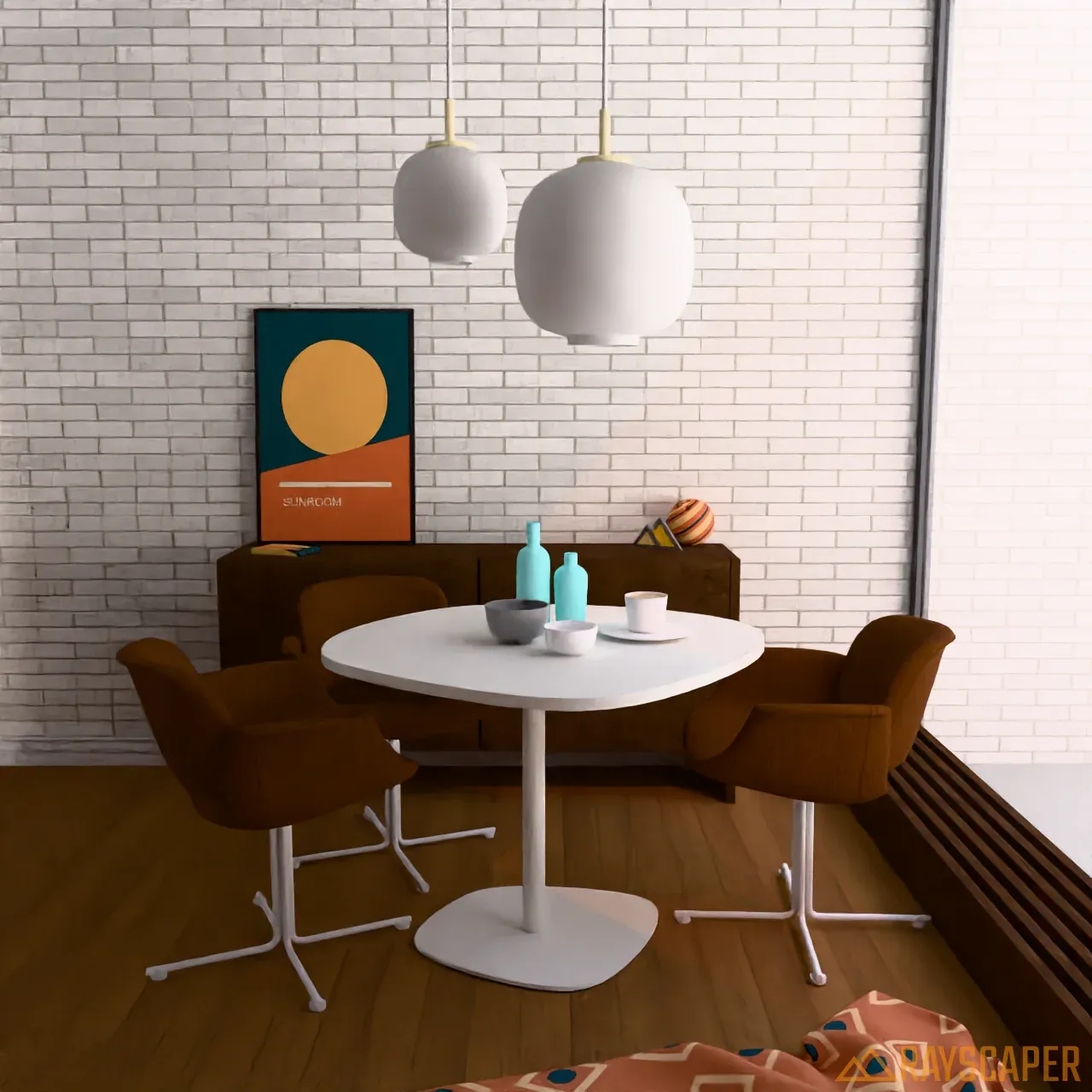
Download Sunroom (ZIP, 11.2 MB)
Extract the ZIP, then open rayscaper-sunroom.skp while keeping its images folder beside it. Switch between
Sunroom Overview, Dining Table and Cabinet Detail in SketchUp.
Model and furniture: Rich O’Brien, used with permission. The poster, art book cover, rug and decorative sphere have original Rayscaper artwork. The HDRI and the leather and wood textures are from Poly Haven (CC0): Snowy Hillside by Andreas Mischok, Brown Leather and Fine Grained Wood by Rob Tuytel, and Wood Floor by Dimitrios Savva.
Shader Ball
Section titled “Shader Ball”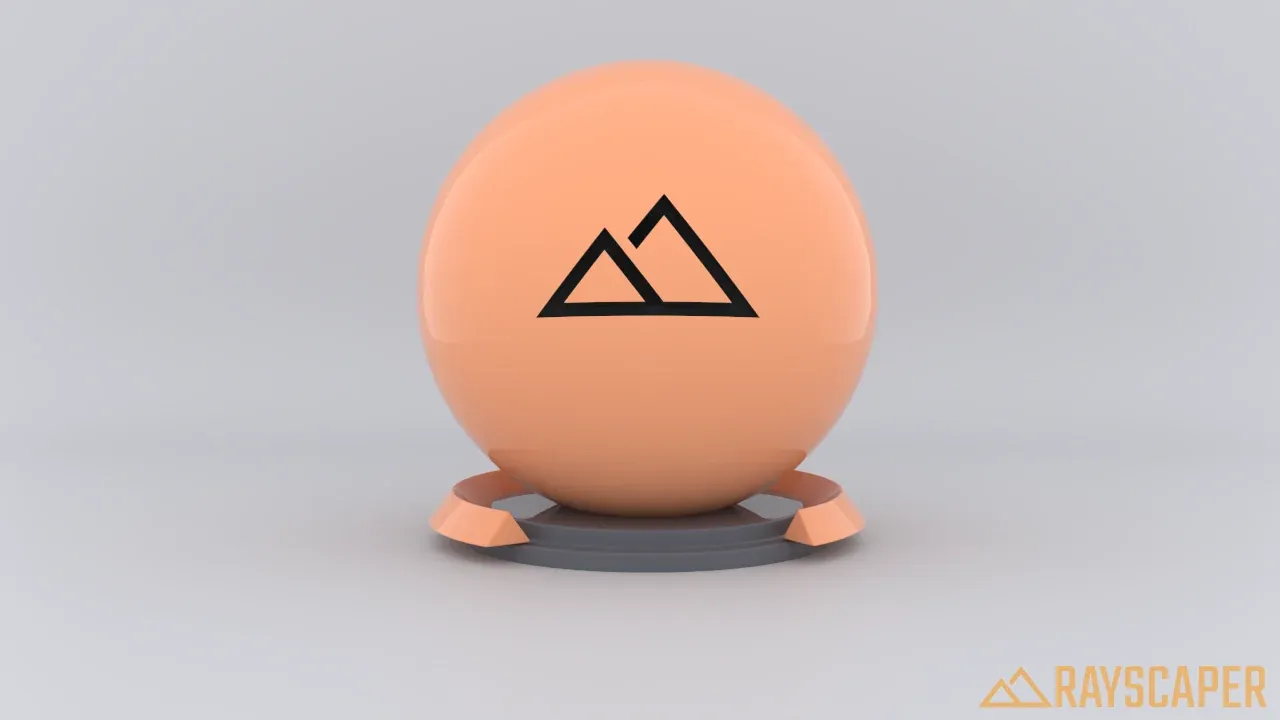
Download Shader Ball (SKP, 0.8 MB)
The scene has no external image files. Use Studio Front, Ball Detail and Studio Angle to inspect the model, then try changing the Ball material in the Material Editor.
Shader ball model: Rich O’Brien, used with permission.